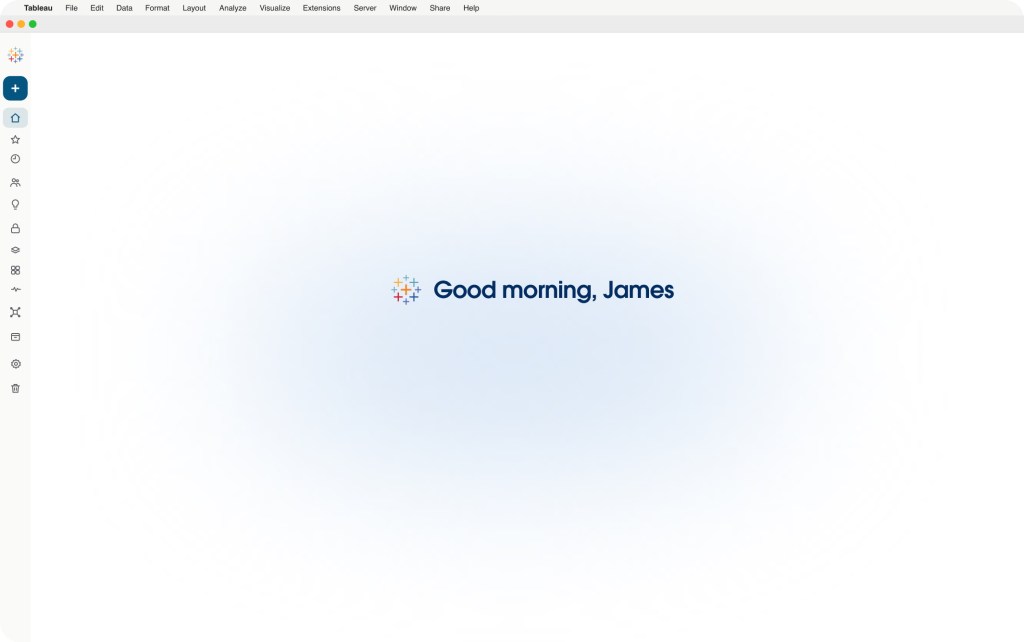
Tableau Studio
Vibe code analytics with enterprise trust and governance.
Vibe code analytics with enterprise trust and governance.
How is ARR trending? Show as a pie chart.
How is my pipeline progressing across all segments?
Create an interactive data app for global revenue.
Create an interactive data app for global revenue.
Tableau Studio is a new agentic workspace that brings together AI, analytics expertise, custom vibe-coded analytics experiences, and the governance and control of Tableau.
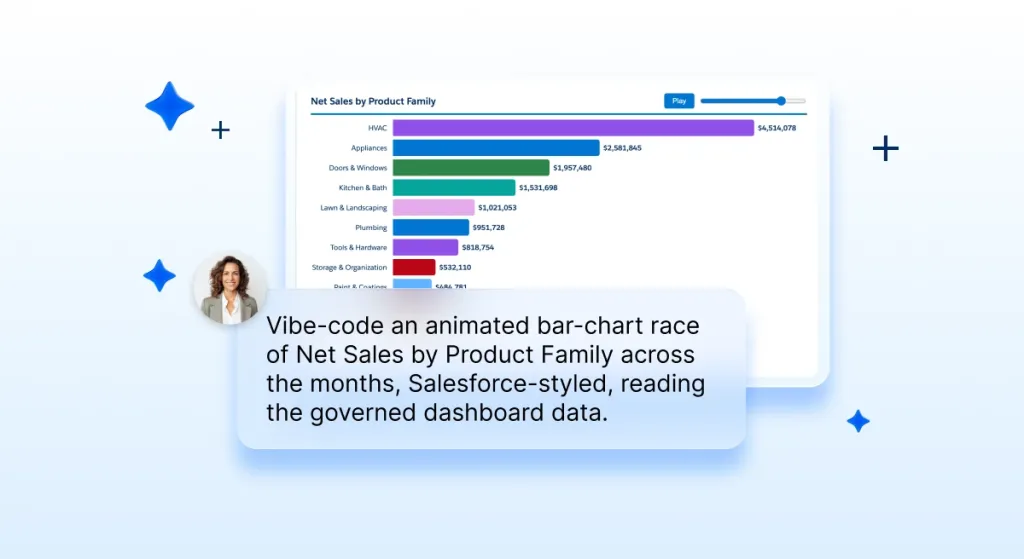
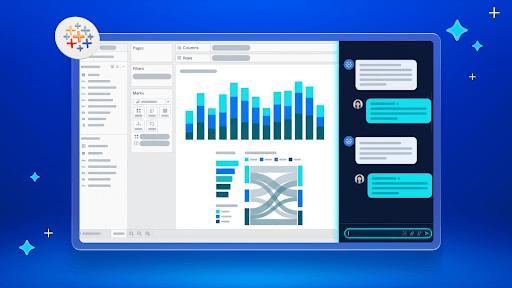
Describe the analysis you need, and Tableau Agent will build and refine it with you directly in Tableau. Switch to drag and drop whenever you want more control.
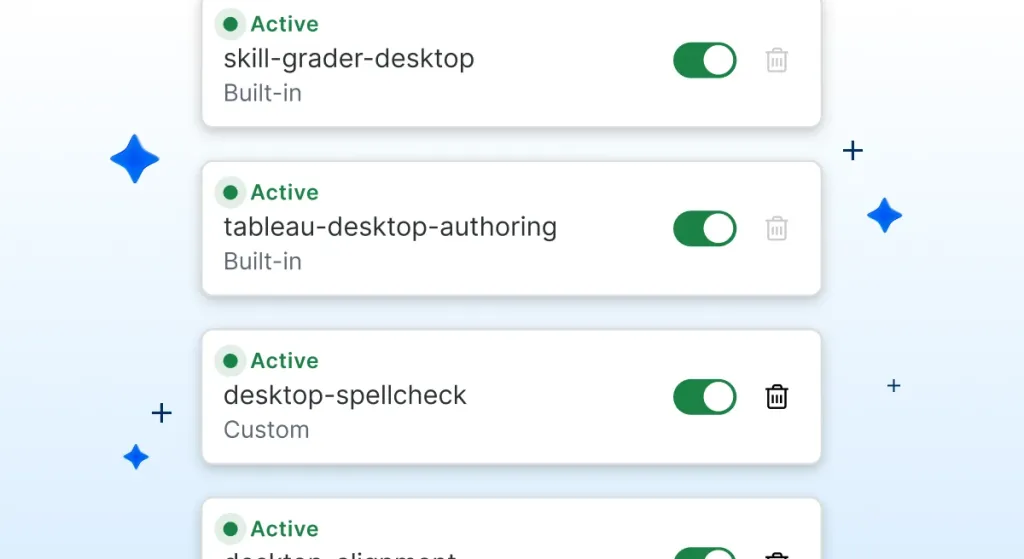
Tableau Skills guide Tableau Agent with reusable analytics expertise, helping it make stronger recommendations and complete common tasks more effectively.
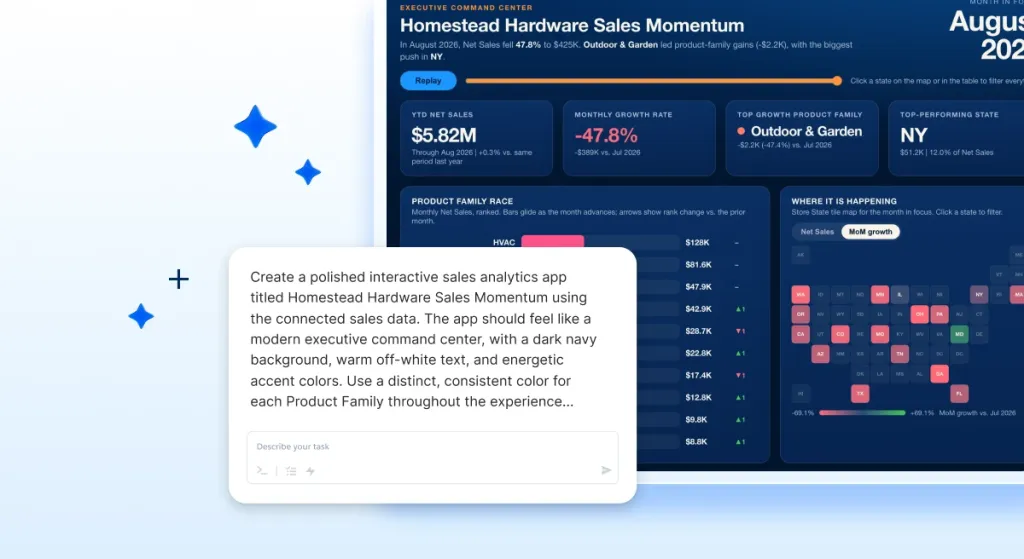
Build custom analytics experiences connected to governed Tableau data, ready to publish, host, and share through Tableau.
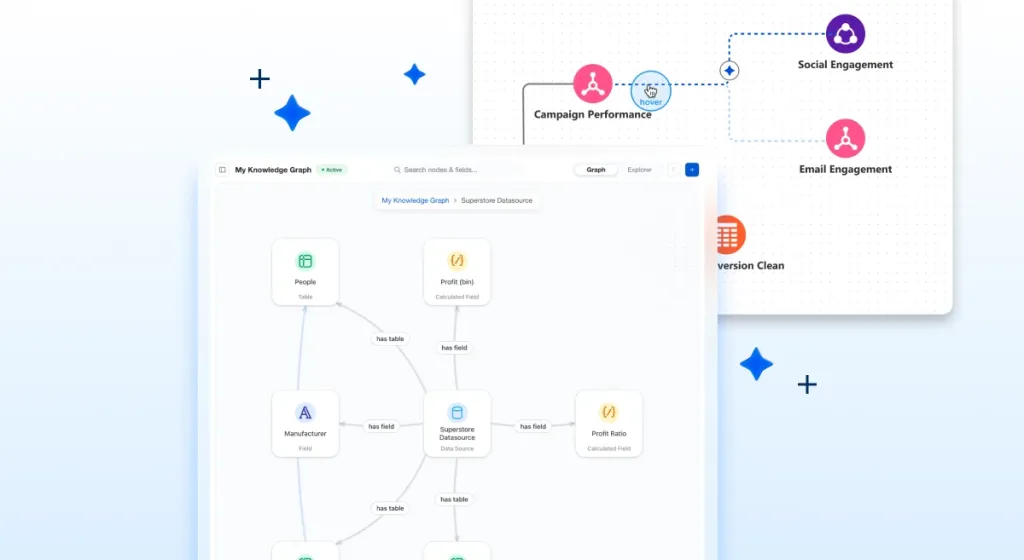
Create with governed data and trusted semantics, using your existing permissions and row-level security.
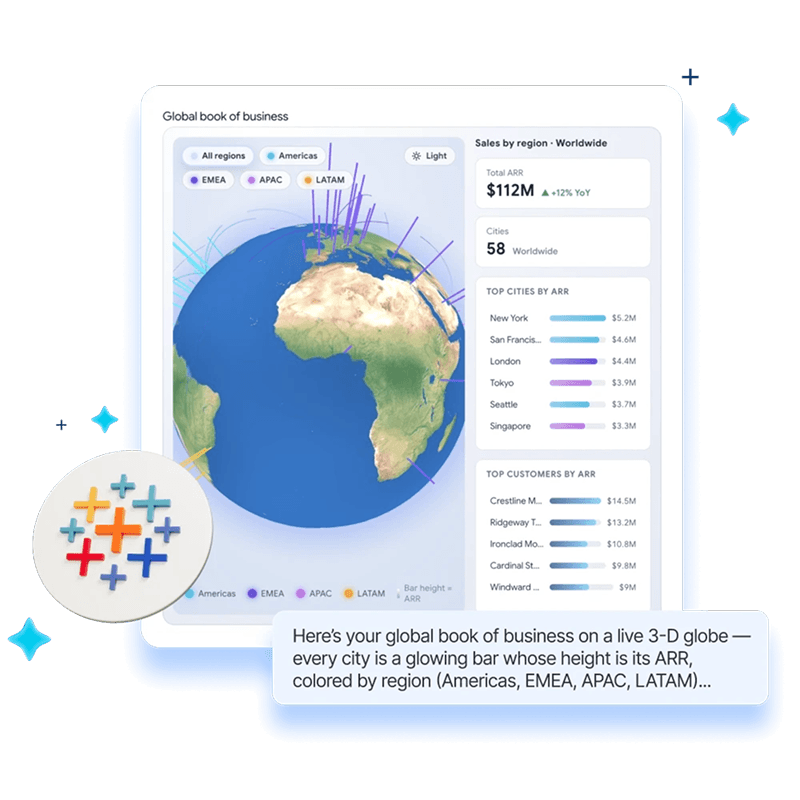
Join live with Tableau leaders and a special DataFam guest to see how Tableau Studio and Tableau Skills help you build faster, stay in control, and share governed, scalable analytics your teams can trust.
LinkedIn Live: November 18, 9:00 a.m. PT
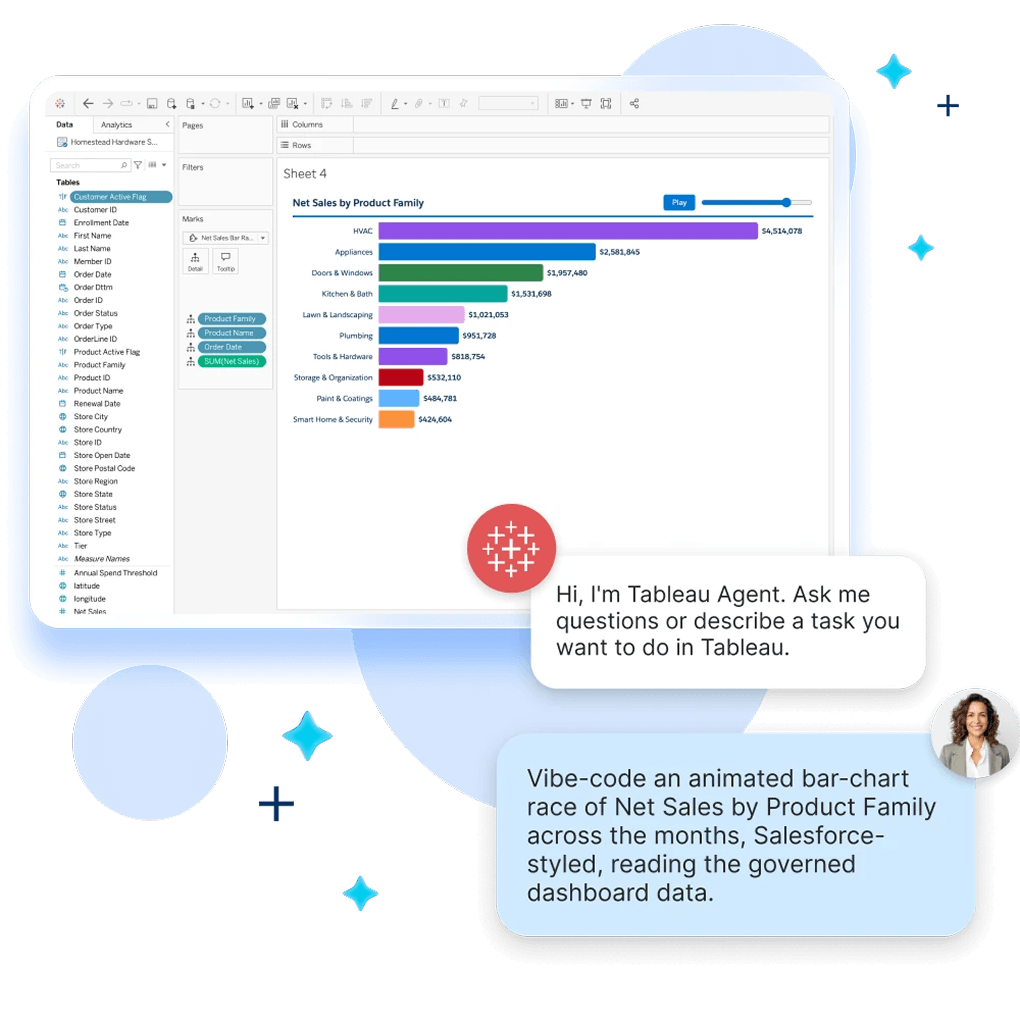
Describe what you need conversationally, and Tableau Agent works alongside you to investigate data, challenge assumptions, suggest the right visualization, and refine results. When you want more control, move fluidly into the visual, drag-and-drop workflow you already know.
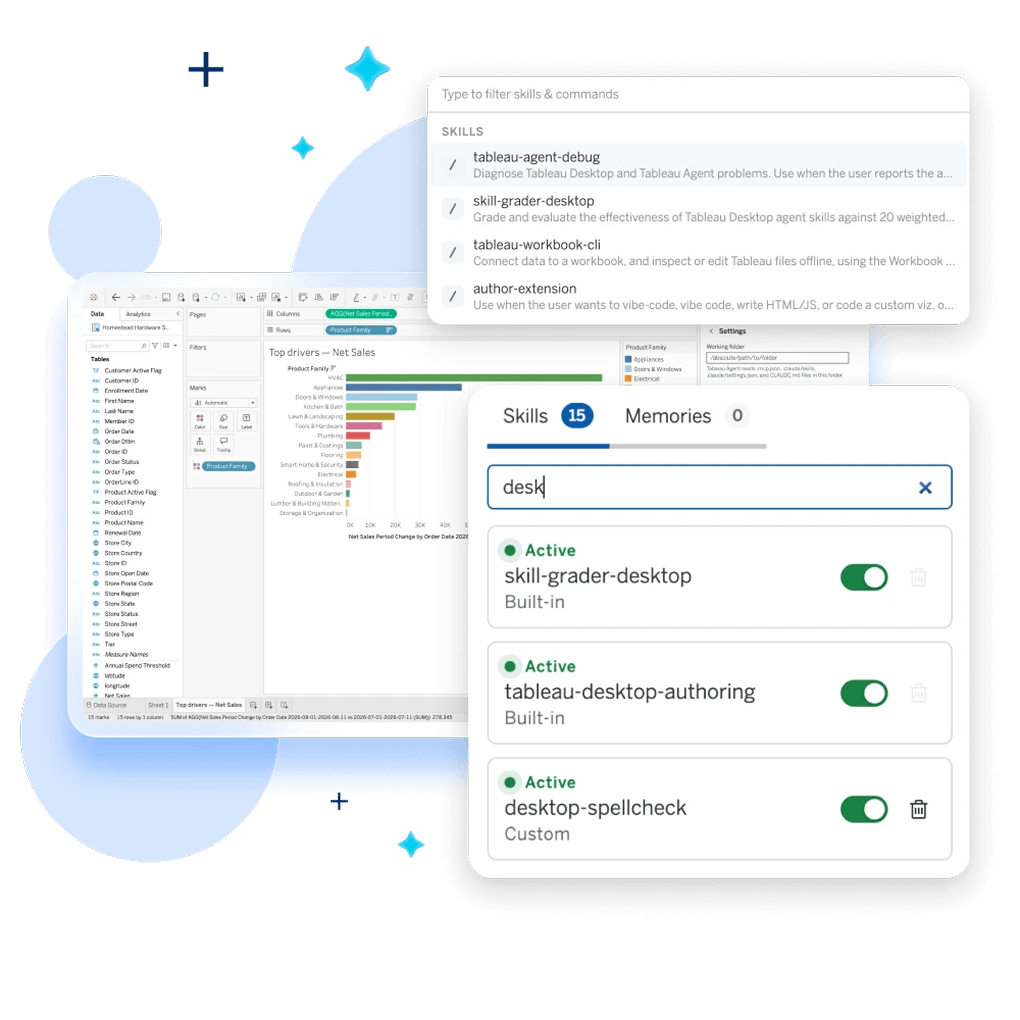
Get reusable analytics best practices in Tableau Agent with Tableau Skills. Start with ready-to-use Skills for repeat tasks like data quality review, visualization planning, and spellcheck. Then create custom Skills to guide Tableau Agent with scalable expertise.
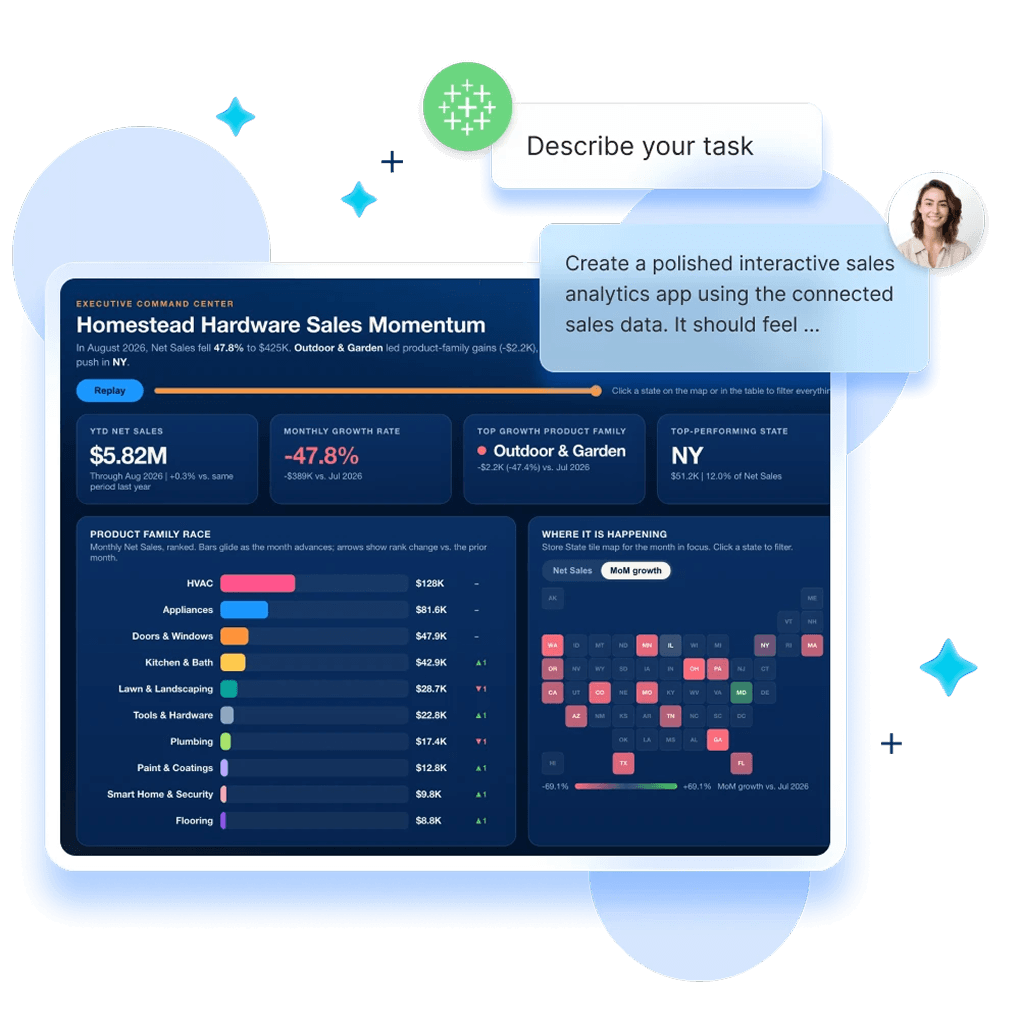
Vibe code your ideas and turn them into custom analytics experiences. Simply prompt using Tableau Studio, then publish, govern, and share them directly through Tableau Cloud or Server.
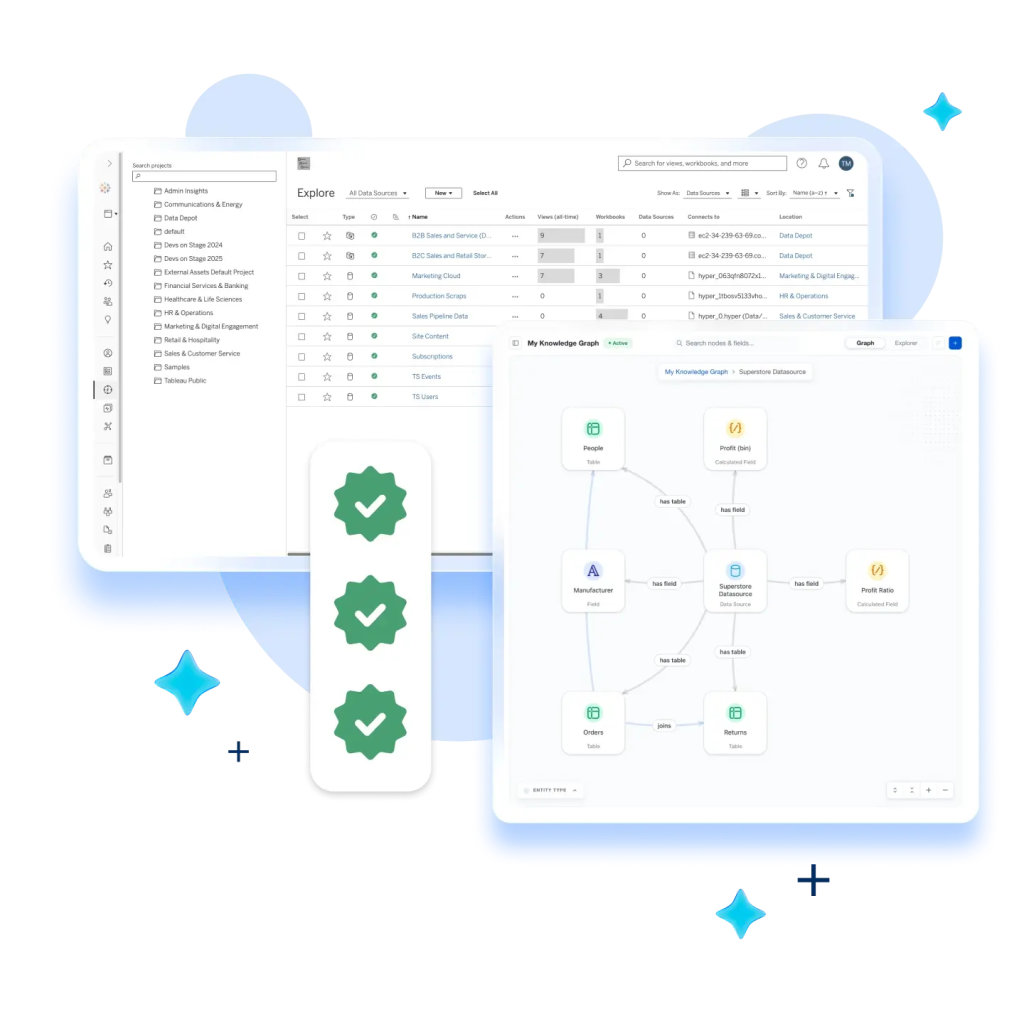
Build on your governed data, trusted knowledge, and existing permissions. Move from an idea to a shareable analytics asset with consistent definitions, business context, and approved security and permissions.
Learn how Tableau Studio brings vibe-coded analytics together with enterprise trust and governance.

Watch how Tableau Studio turns vibe coding into production-ready analytics, with built-in enterprise governance and security.

See how to create custom analytics experiences with AI, then host and share them through Tableau.
Tableau Studio is a new agentic workspace for vibe coding analytics. With Studio you can work alongside Tableau Agent — guided by Tableau Skills and analytics best practices — to author, refine, and publish metrics, calculations, dashboards, data apps, and more, directly where you work. Enjoy broader authoring capabilities and explore your data through conversation, then switch to the traditional drag-and-drop experience whenever you want added control. Governed data, semantics, and trusted knowledge ground every prompt in business context.
To get started with Tableau Studio:
Step one:
Step two:
Tableau Desktop is the authoring app where you can connect directly to your data, explore it with drag-and-drop tools, and make data-driven decisions anytime, anywhere. That doesn’t change.
Tableau Studio builds on the familiar Tableau Desktop experience, adding an upgraded Tableau Agent and Tableau Skills so you can describe in natural language what you want to create and get help building it in Tableau.
Tableau Studio isn't a separate product you need to migrate to. It's built on Tableau Desktop, so you can download the latest Tableau Desktop app and activate the Studio experience there.
The agentic Studio capabilities require a Creator license with Tableau+, Cloud+, or Server+, or a Tableau Cloud trial.
Tableau Desktop is available to everyone.
Users with Tableau+, Tableau Cloud+, and Tableau Server+ Creator licenses can access the new agentic Studio capabilities for vibe coding analytics.
Standard or Enterprise Server users maintain access to the existing Tableau Agent via their unique OpenAI key. That experience is unchanged.
For everyone else, start a Tableau Cloud trial and sign in with your trial credentials to activate the Studio experience. (Note: The trial will create a new Tableau Cloud site that’s separate from any existing site.)
Standalone AI tools can help generate analytical answers.
Tableau Studio goes deeper, grounding answers in the Tableau context your organization already trusts. It works inside your live workbook, where Tableau Agent can understand the current workbook state to build and refine analytics directly, right where you work.
Tableau Data Apps are custom, interactive analytics experiences powered by the Tableau platform. Create them conversationally in Tableau Studio or with any third-party agent via MCP, then publish, host, and share them through Tableau, where they inherit your governed data, business definitions, and existing permissions.