
Tableau Desktop
Your download has started
You're just a few minutes away from Tableau Studio. If the download doesn't start, please select the right version for you from the links below:
You're just a few minutes away from Tableau Studio. If the download doesn't start, please select the right version for you from the links below:

Complete the form above to start your Tableau Cloud Trial.
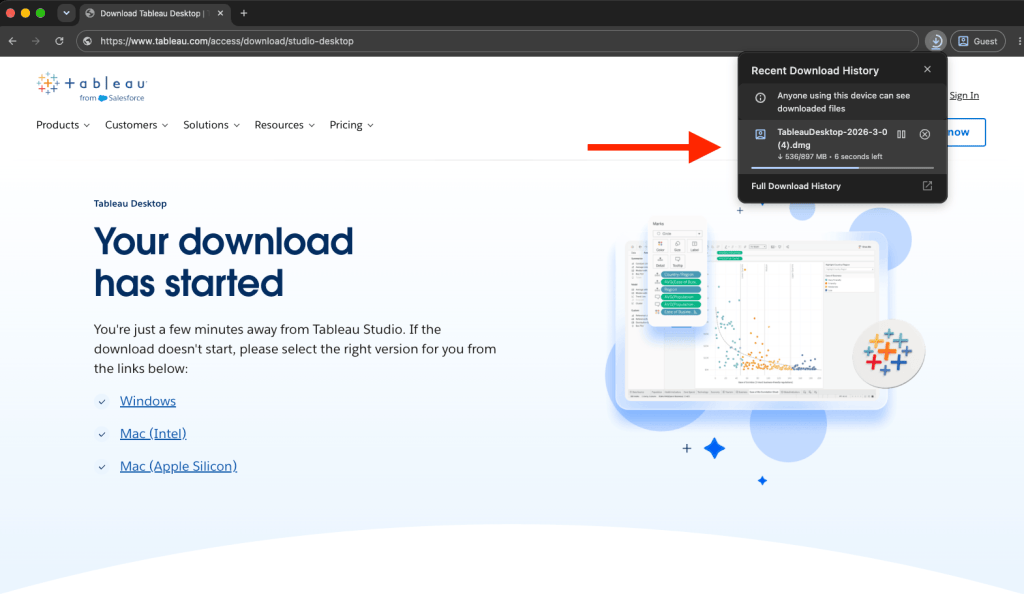
Download the latest version of the Tableau Desktop app.
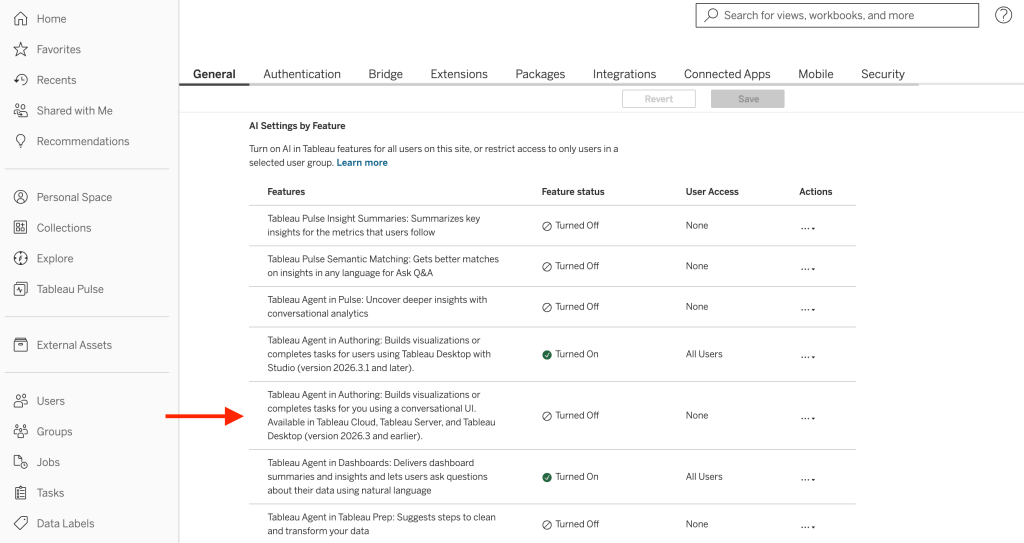
Sign into your trial site to accept terms and activate. Then enable AI in your site Settings.
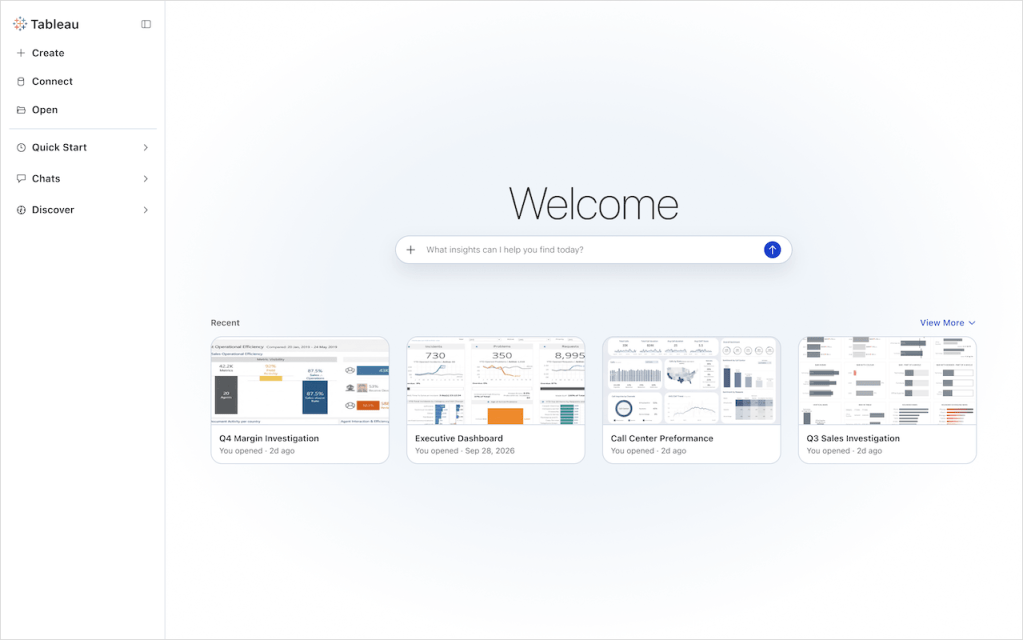
Open the Tableau Desktop app and sign into your trial site to unlock Tableau Studio capabilities.
Become a Tableau master with more than 10 hours of free video content through Tableau Learning.

Follow along with our speaker as you launch Tableau and begin answering questions for the first time.

This tutorial walks you through the features and functions of Tableau Desktop.

Find connectors, integrations, extensions and more at Tableau Exchange.