Success! Check your email to activate your Tableau trial and verify your email address.
Success! It looks like you're ready to start a trial.
Thanks for your interest in starting a free trial, you'll need to create an account or login to proceed.
Don't sleep on your data: You have 48 hours to activate your trial.
If you didn't receive an email, please check your spam folder or log in.
Next Steps
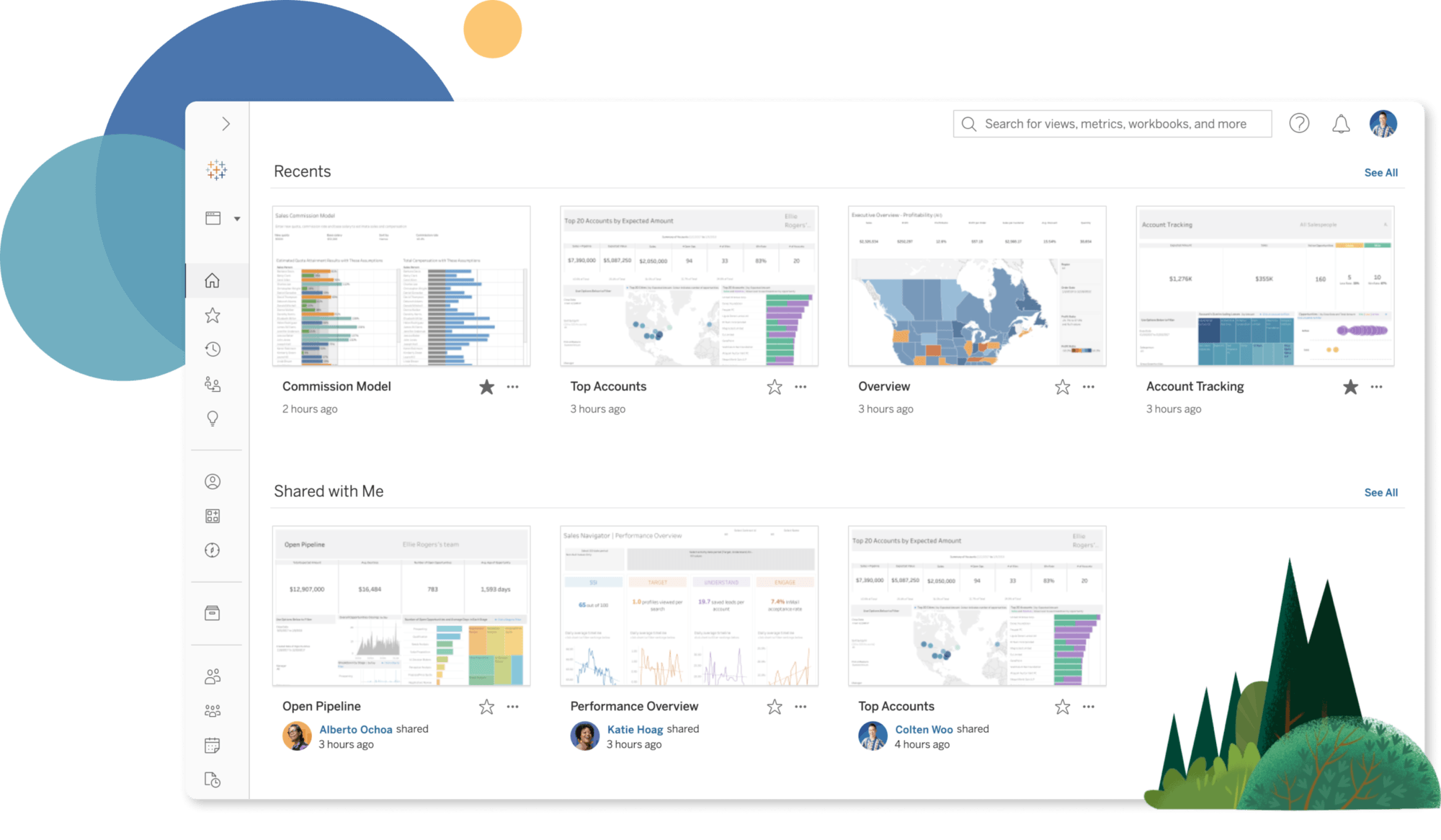
1. Check your inbox - an email should arrive within five minutes, then click the link to activate your account.
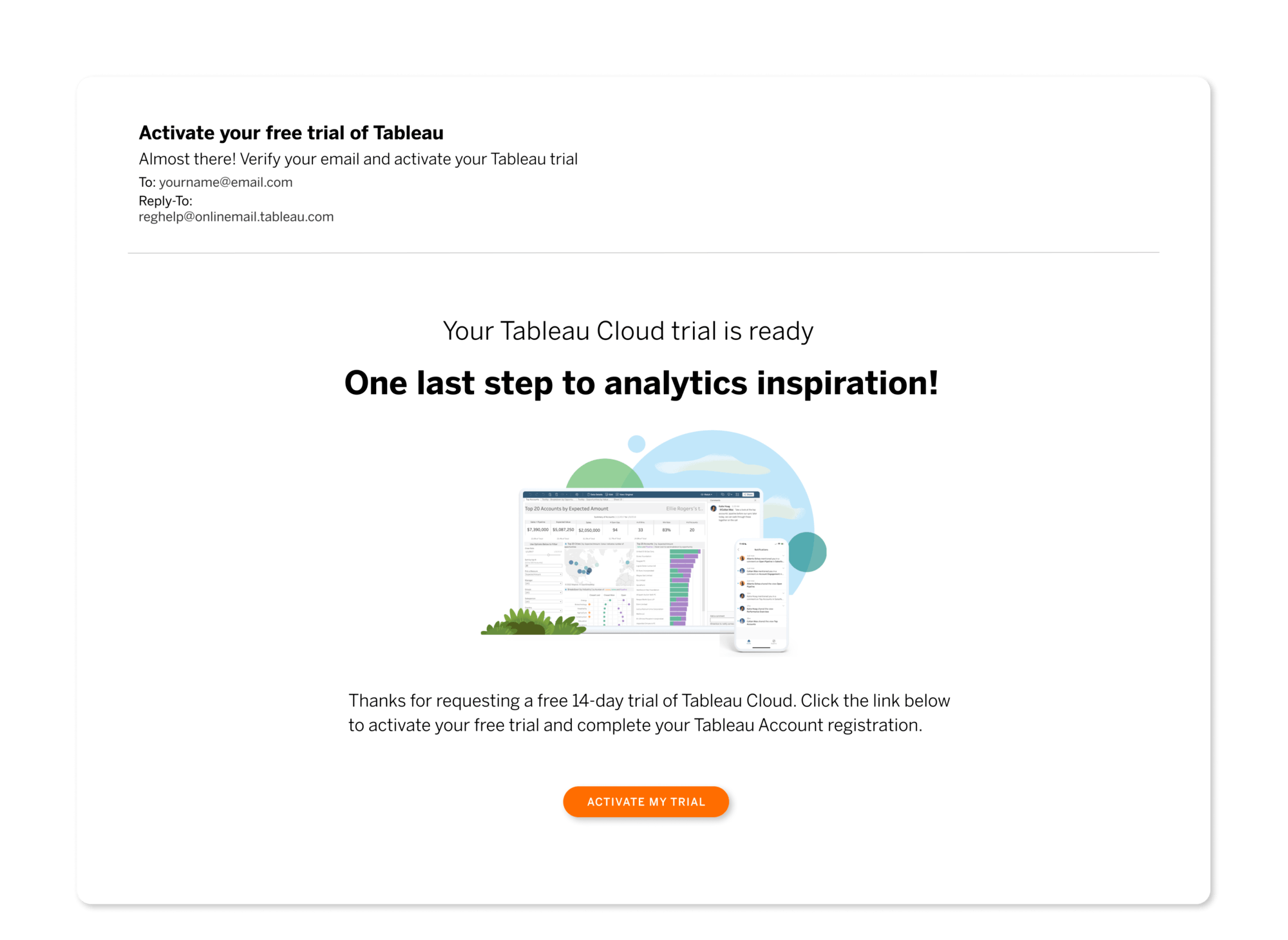
2. Finish setting up your Tableau account. Once it's set up, you'll be prompted to sign in to your account.
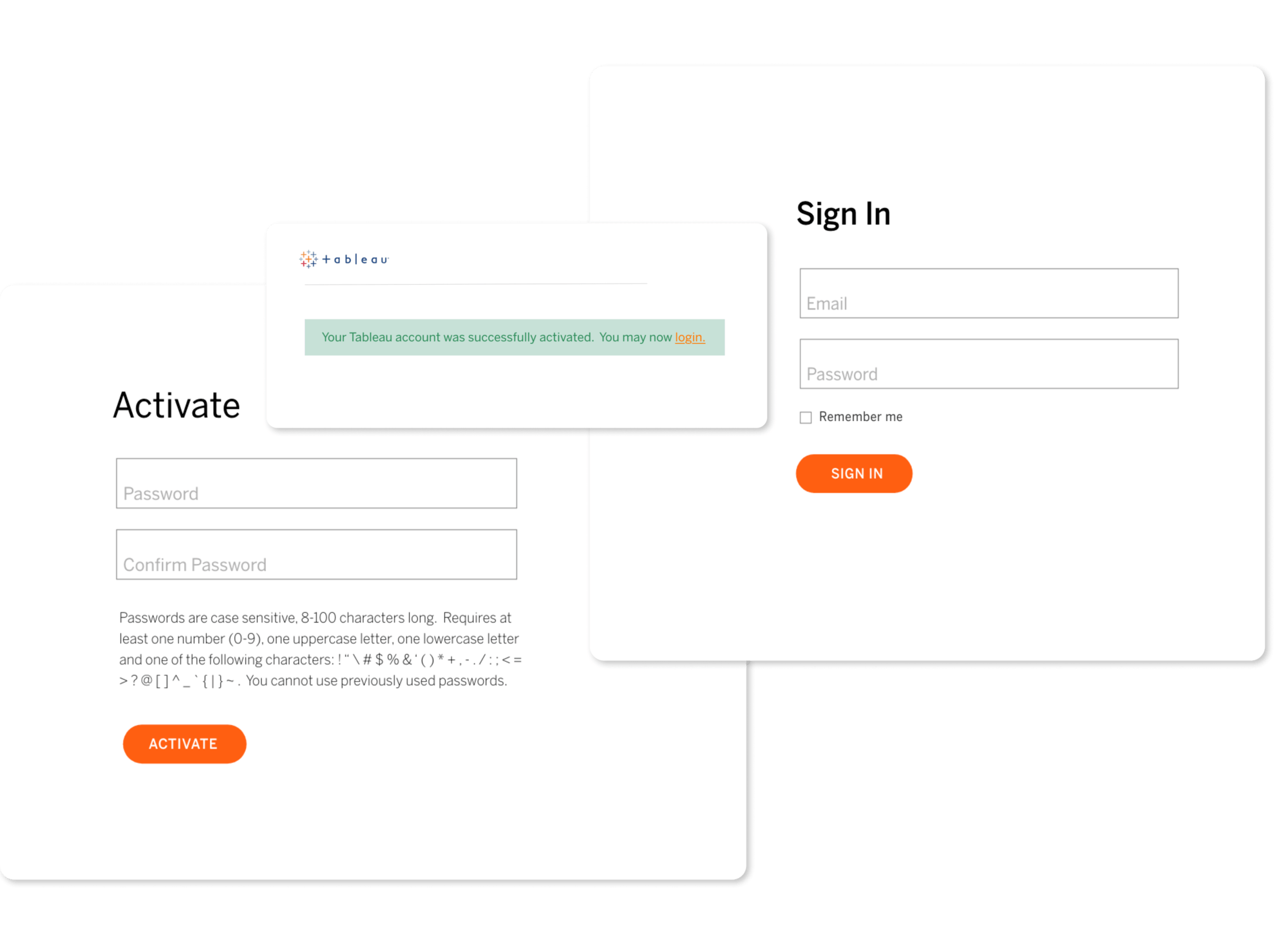
3. Accept the terms and click to activate your Tableau Cloud trial.
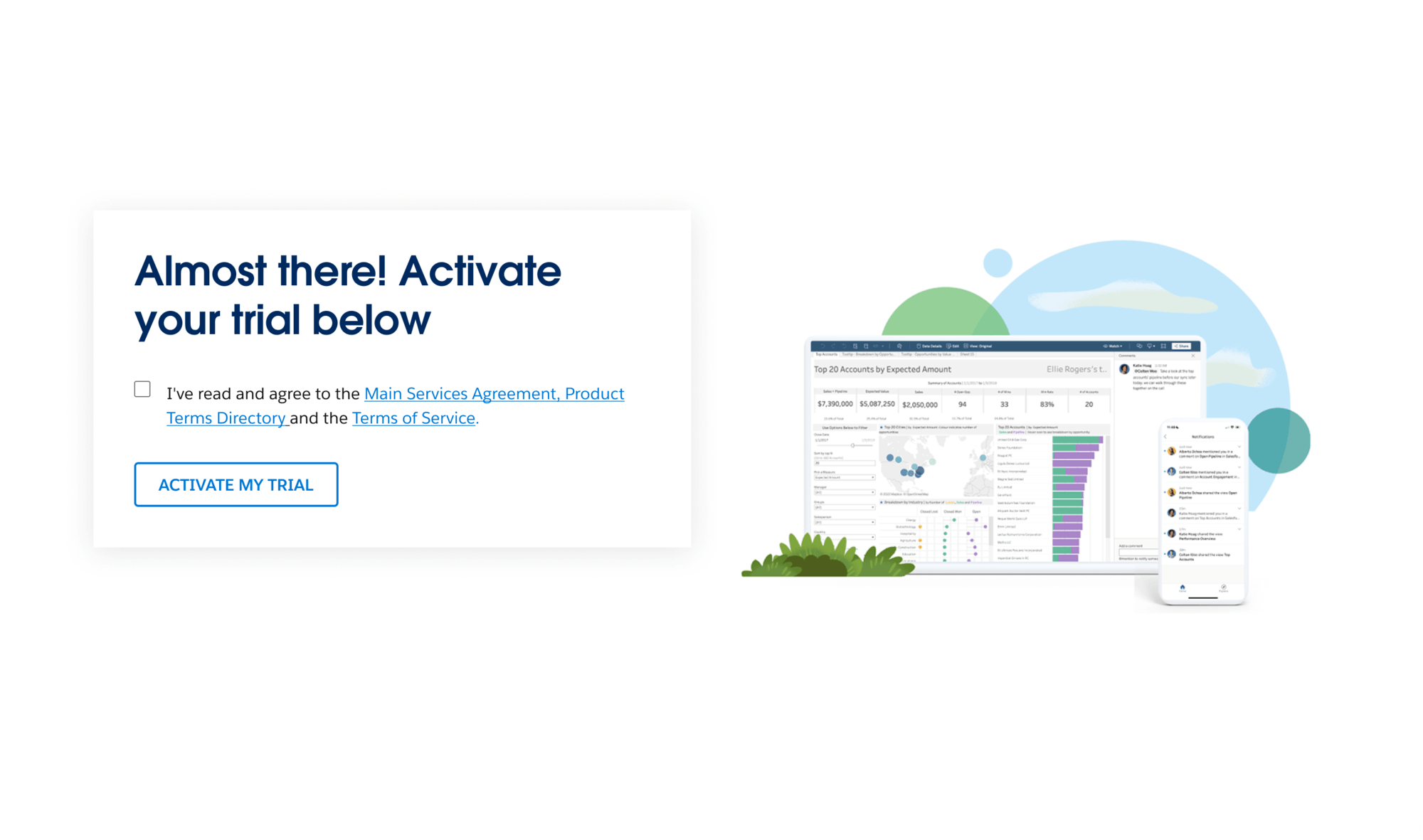
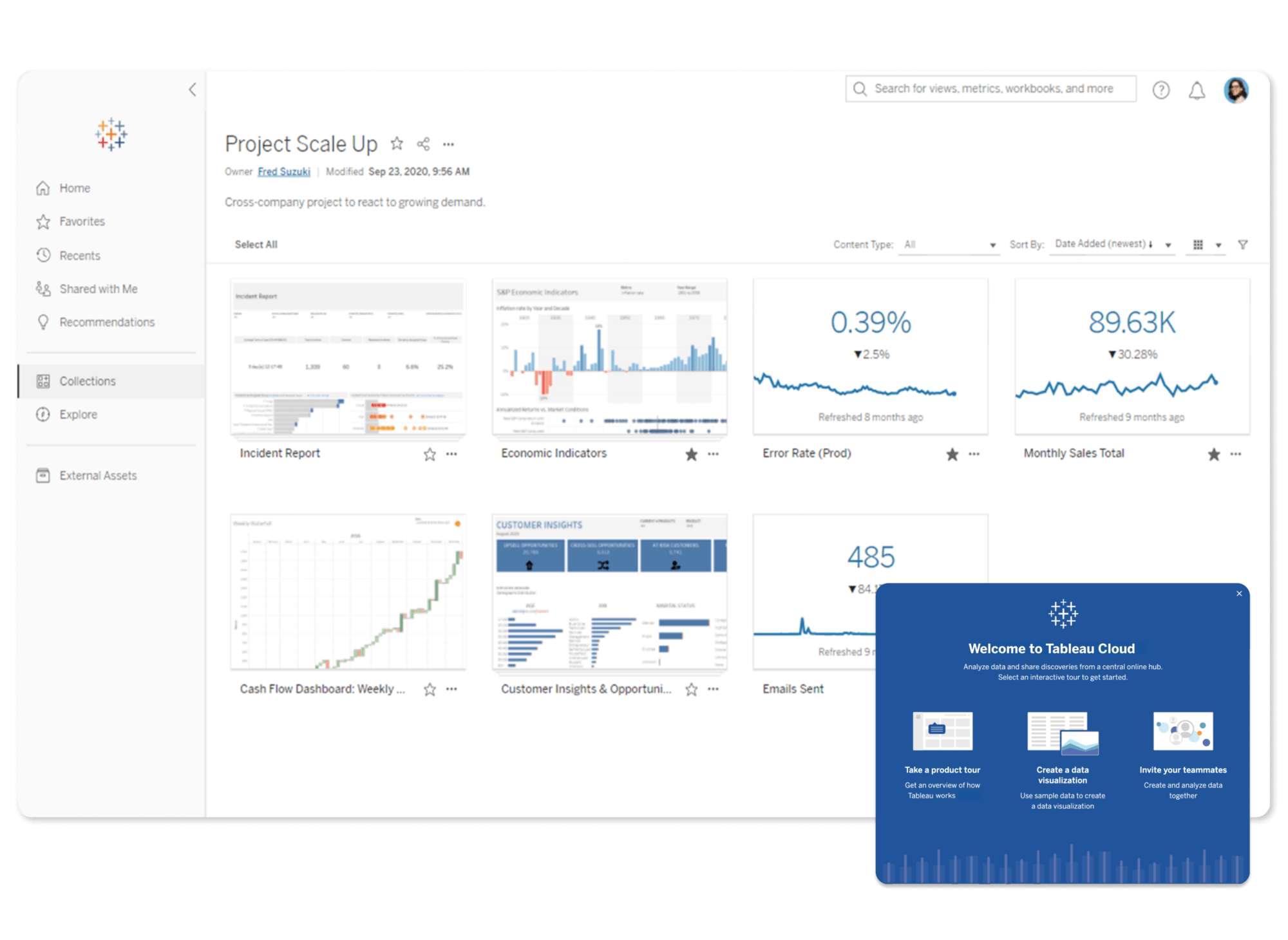
4. Success! Your Tableau Cloud trial is activated—it’s time to connect your data and get started.
Didn't receive an email?
Be sure to check your spam folder. Still nothing? Contact our customer support team.
Next Steps
1. Check your inbox - an email should arrive within five minutes, then click the link to activate your account.
2. Finish setting up your Tableau account. Once it's set up, you'll be prompted to sign in to your account.
3. Accept the terms and click to activate your Tableau Cloud trial.
4. Success! Your Tableau Cloud trial is activated—it’s time to connect your data and get started.