
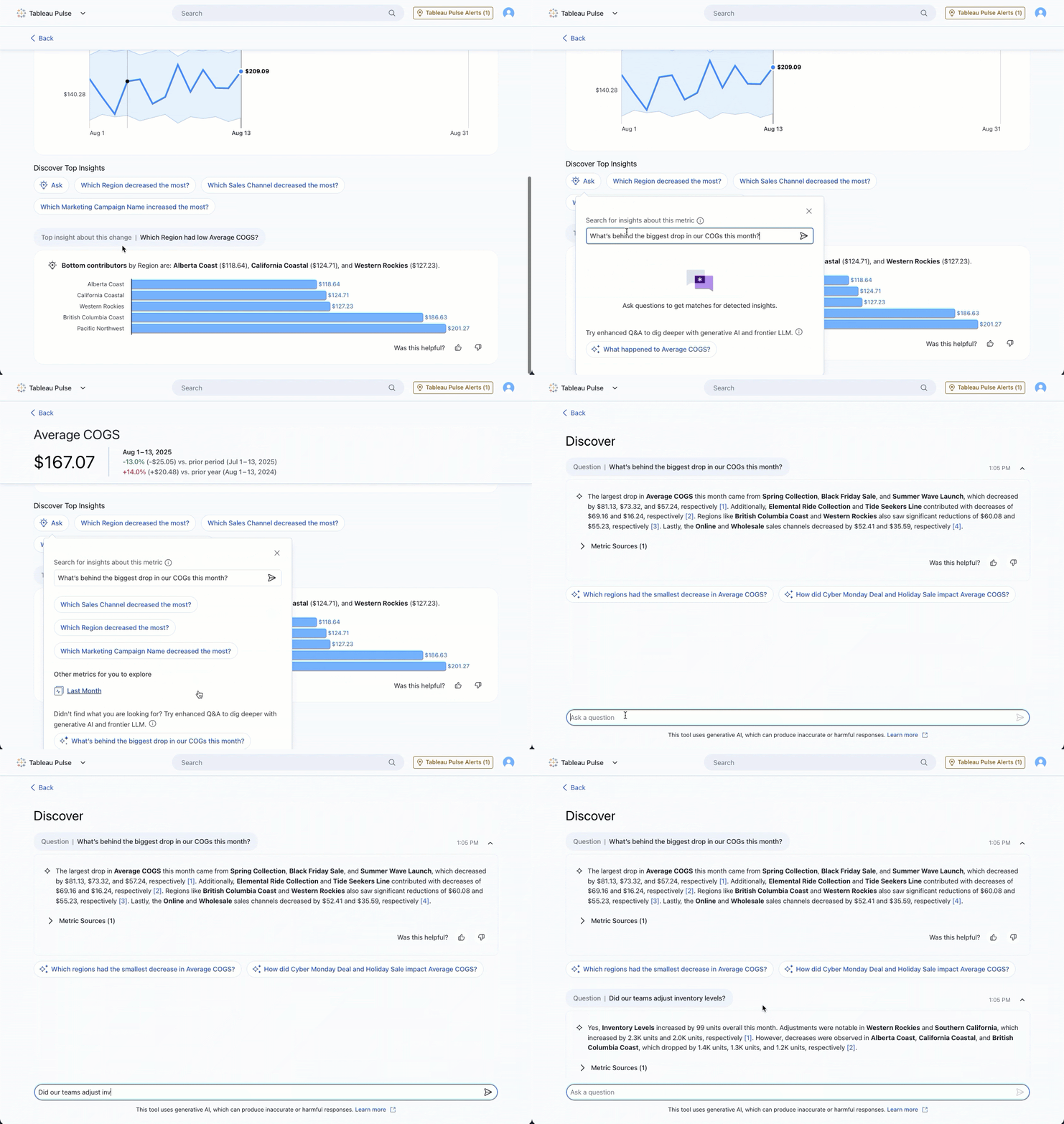
Tableau Pulse:全新增強型問與答更新
透過增強型問與答更新功能,您可以更快速地深入探究見解。現在,您可以從首頁或見解探索頁面等全新進入點啟動對話式 AI。此外,改善後的文字格式設定功能讓輸出的內容更有條理,進而讓您的見解更為清晰明瞭。此功能已在 Tableau Cloud 的 Tableau+ 版本中全面推出。
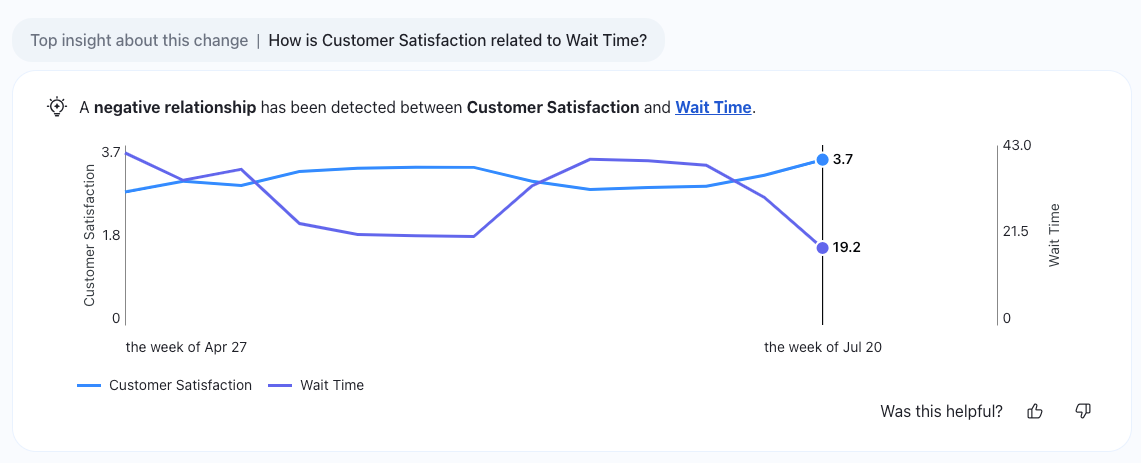
Tableau Pulse:關聯指標見解
透過這個全新的見解類型,在 Tableau Pulse 中獲得更深入的見解。關聯指標功能可透過識別資料中的關鍵關聯,協助您找出指標間的重要關係。此功能已在 Tableau Cloud 的 Tableau+ 版本中全面推出。
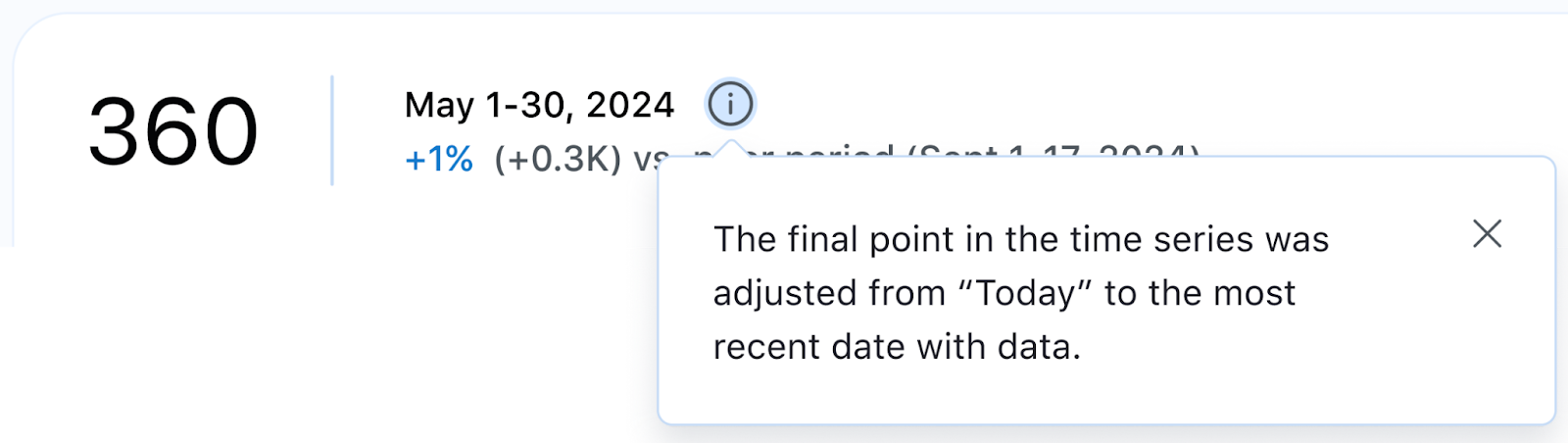
Tableau Pulse:日期更新
設定日期範圍,以取得更準確的長期績效檢視。選擇滾動的時間範圍(例如過去 7 天或 90 天),幫助您更精確地理解資料趨勢。您還可以將時間序列設定為動態顯示,以反映最新的可用資料,確保即使在當天資料未完整填入時,依舊能掌握一切狀況。此功能已在所有 Tableau Cloud 版本中全面推出。
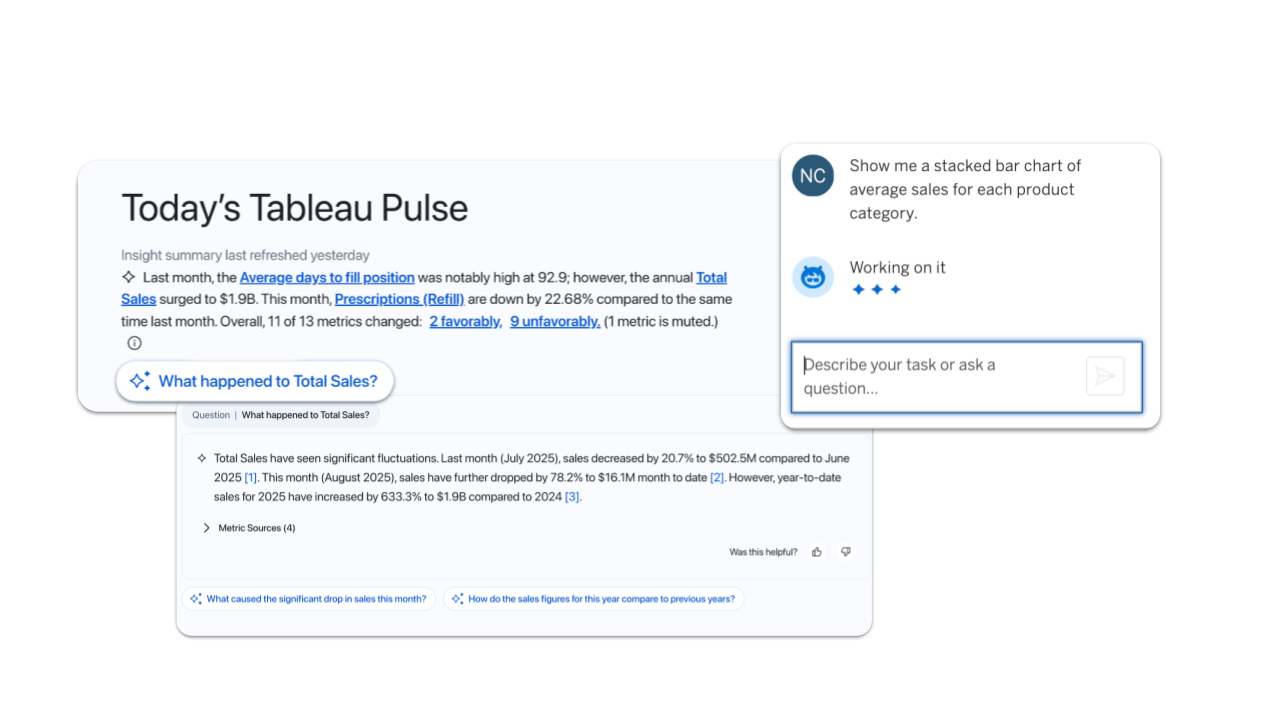
Tableau Pulse 與 Tableau Agent 目前已具備地域感知功能
在 Tableau 中體驗更快速、更安全的 AI。現在,Pulse 和 Agent 會根據您的 Data Cloud 地區,自動連接至最近的 LLM 供應商,進而提升效能並確保資料保留在當地區域。此功能已在所有 Tableau Cloud 版本中全面推出。
注意:目前僅限使用一個 LLM

讓內部專家為您介紹 Tableau 版本
加入 DataFam Discovery 使用者群組,讓 Tableau 產品經理為您介紹我們發佈的新功能。
立即加入
所有功能
九月

Ensure data residency and reliable availability and speed in Switzerland, India, and South Korea. Cloud Admins can now create sites in Switzerland and India. Availability in South Korea is planned by the end of September.

Tableau Mobile: Snowflake Authentication
Get faster access to insights on the go. Seamlessly authenticate Snowflake in Tableau Mobile for a streamlined sign-in process.
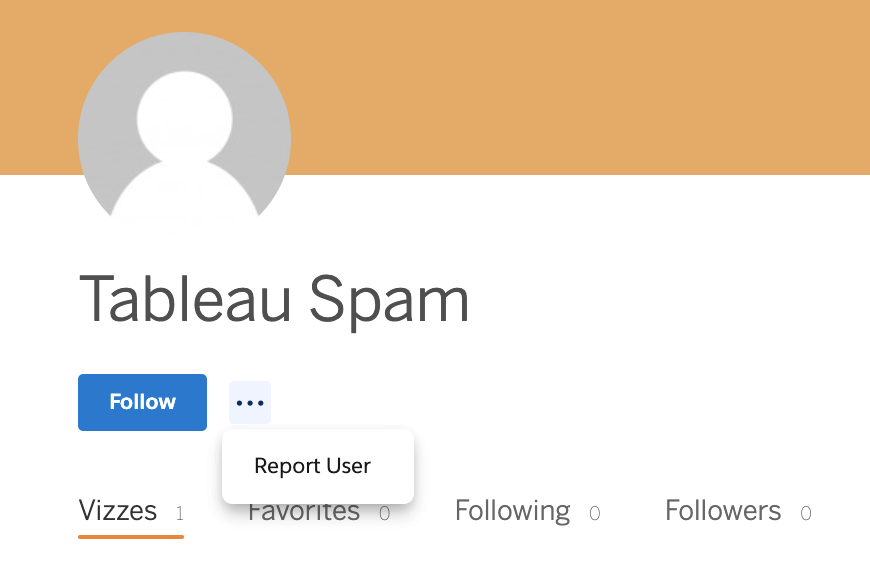
Tableau Public: Spam Moderation
Help us keep Tableau Public a safe and trusted space by reporting suspicious profiles and flagging spam. Must be logged in to report.
This feature addresses or partially addresses the following request on the Salesforce IdeaExchange: Report suspicious profiles. It also addresses [1].

Tableau Pulse and Tableau Agent are now Geo-Aware
Experience faster, more secure AI in Tableau. Now, Pulse and Agent automatically connect to the nearest LLM provider based on your Data Cloud region. This boosts performance and keeps your data in-region.
Note: Currently limited to one LLM
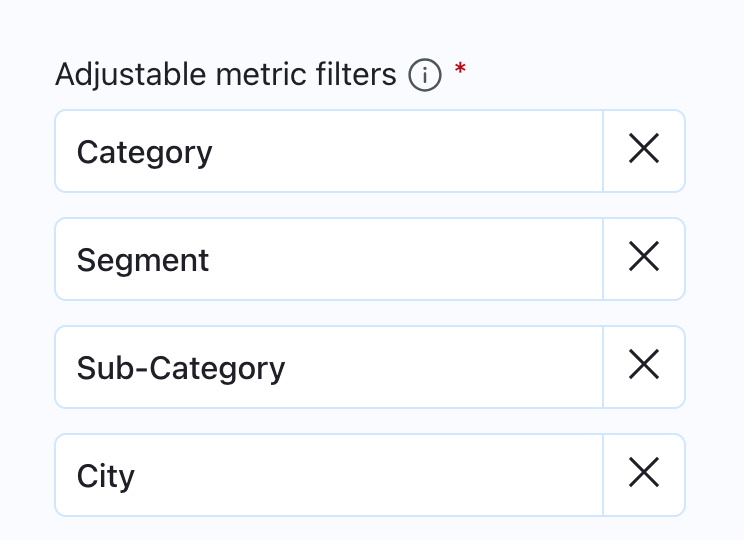
Tableau Pulse: Breakdown Chart Filtering Enhancements
Get a more consistent experience on metric detail breakdown charts with static ordering of dimension pills. Order is now based on the adjustable metric filters set on the metric definition instead of changing based on data conditions to offer a more predictable user experience.
Tableau Pulse: Correlated Metrics Insights
Get even deeper insights in Tableau Pulse with a new insight type. Correlated Metrics helps you find significant relationships between metrics by identifying key correlations in your data.
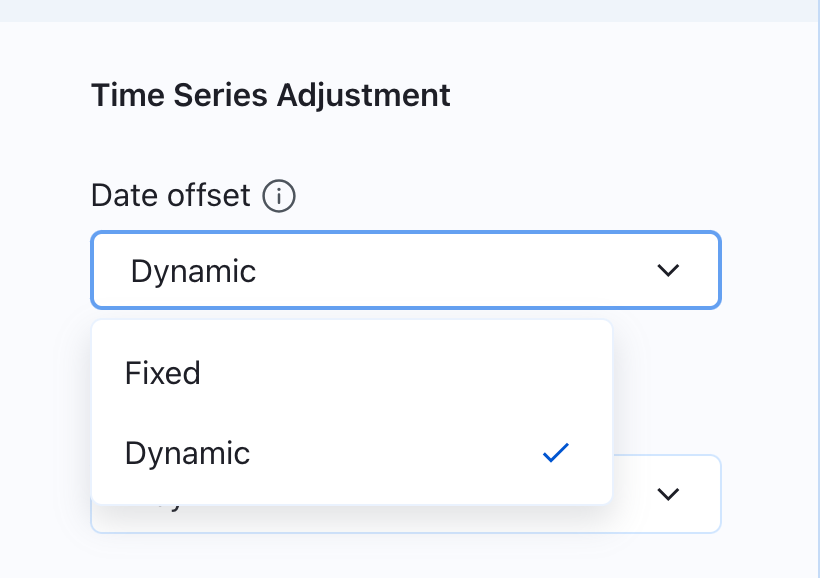
Tableau Pulse: Dynamic Date Offset
Get the most accurate view of your data over time. Set your time series to reflect the most recent data available to ensure a complete picture even when today's data hasn't been populated yet.
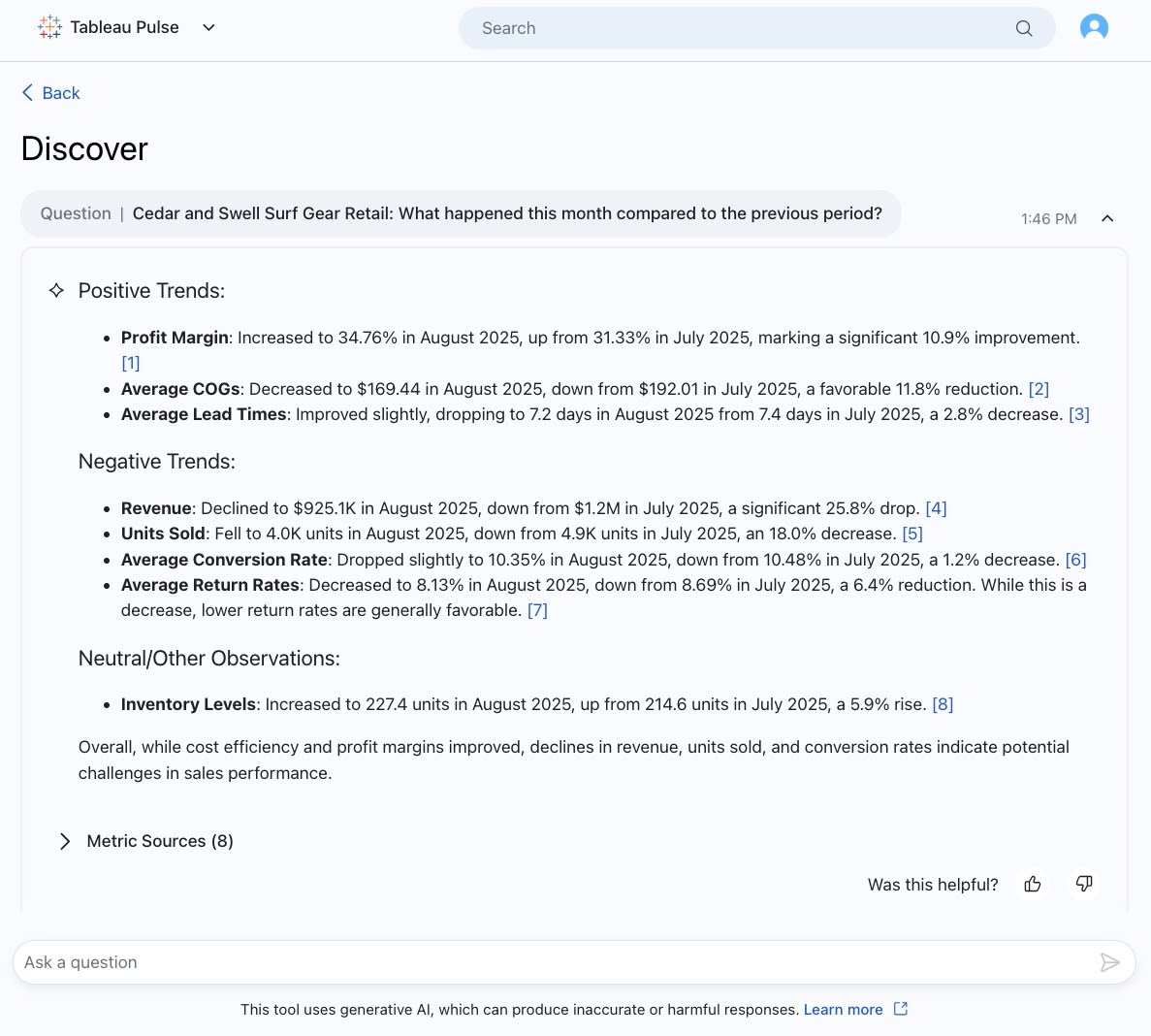
Tableau Pulse: Improved Output Text in Enhanaced Q&A
Get clearer insights in Enhanced Q&A with improved text formatting that makes outputs easily readable. Bolded text brings your attention to the most important info and bulleted, organized text makes info more digestible.
Note: Enhanced Q&A is available in Tableau+.
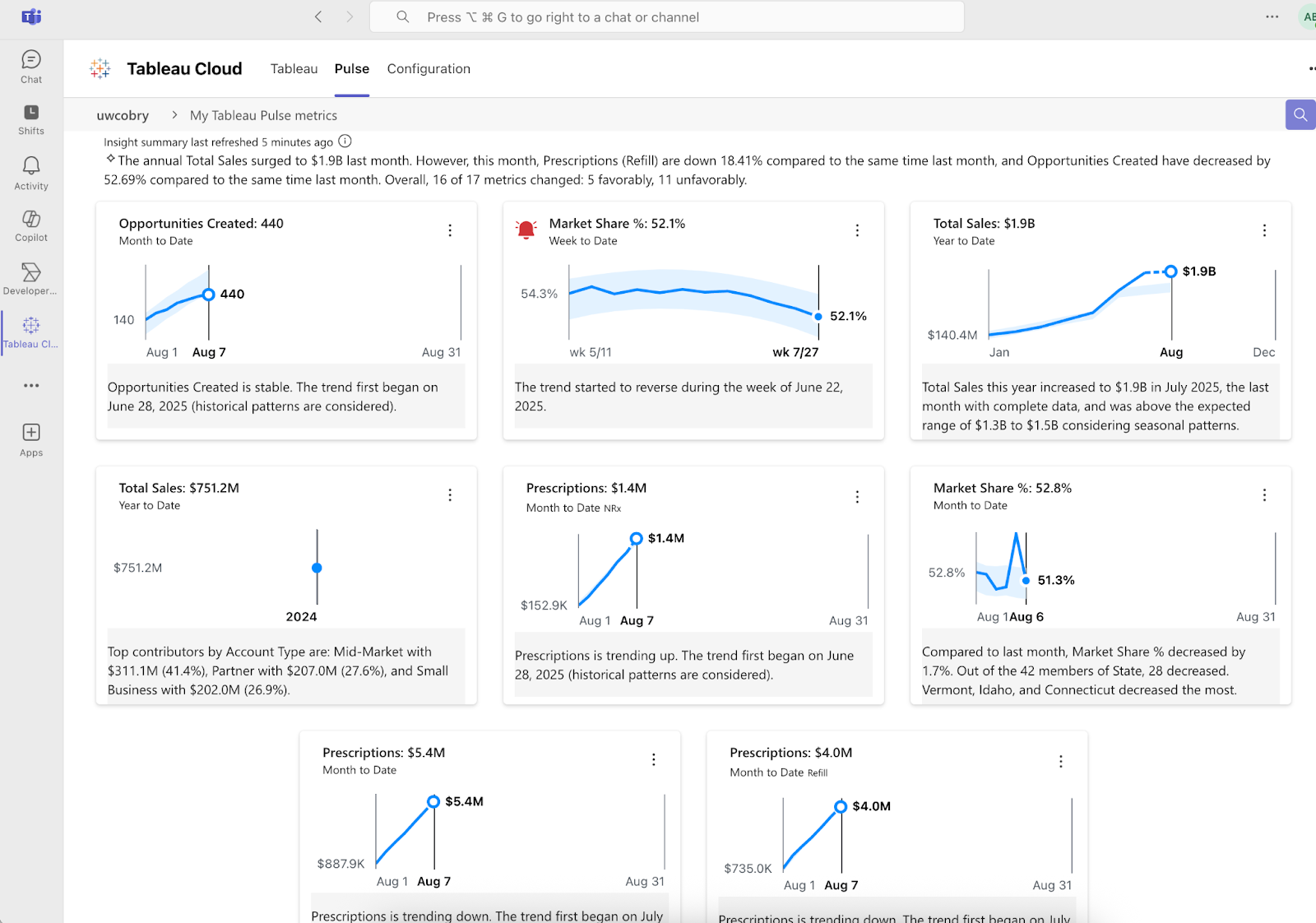
Tableau Pulse: Improvements to Teams Integration
Get more insights delivered into your Microsoft Teams workflow with deeper integrations that bring more of the Pulse experience to Teams. Get your Insight Summary, localized insights, and alerts right in your flow of work.
Tableau Pulse: New Enhanced Q&A Entry Points
Launch conversational AI from more parts of the Pulse experience and dig into metrics with Enhanced Q&A from the homepage and insight exploration page.
Note: Enhanced Q&A is available in Tableau+.

Tableau Pulse: Recommended Metrics on Mobile App
Discover metrics that matter to you with new recommended metrics on the Tableau Mobile app. You no longer need to leave the mobile app and search manually for metrics. Simply follow recommended metrics and instantly start receiving insights on the go.
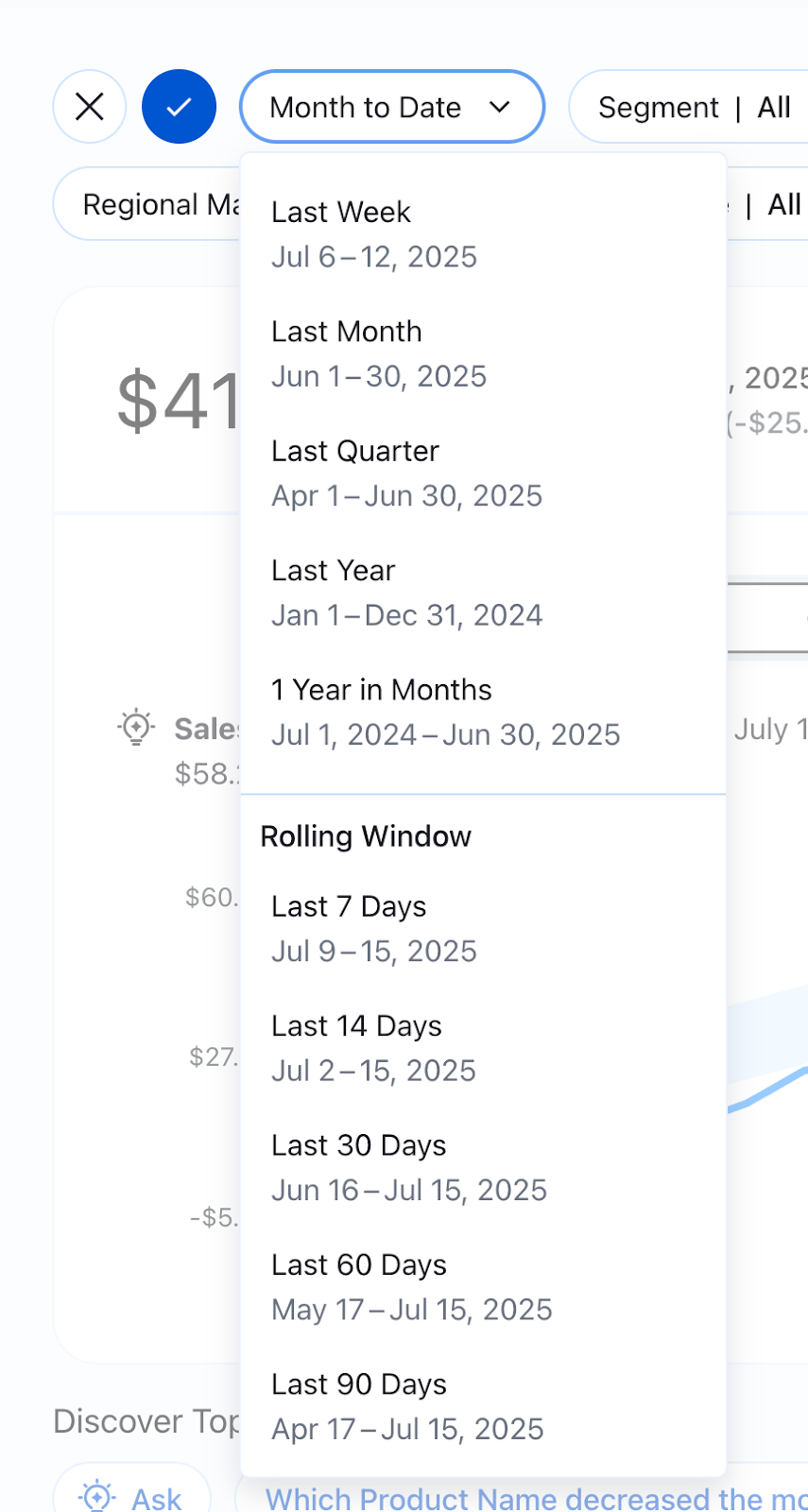
Tableau Pulse: Rolling Time Ranges
Examine the performance of your key metrics with a wider selection of time ranges to get a more precise understanding. Broader time ranges now include rolling time ranges like the last 7 days or last 90 days and more
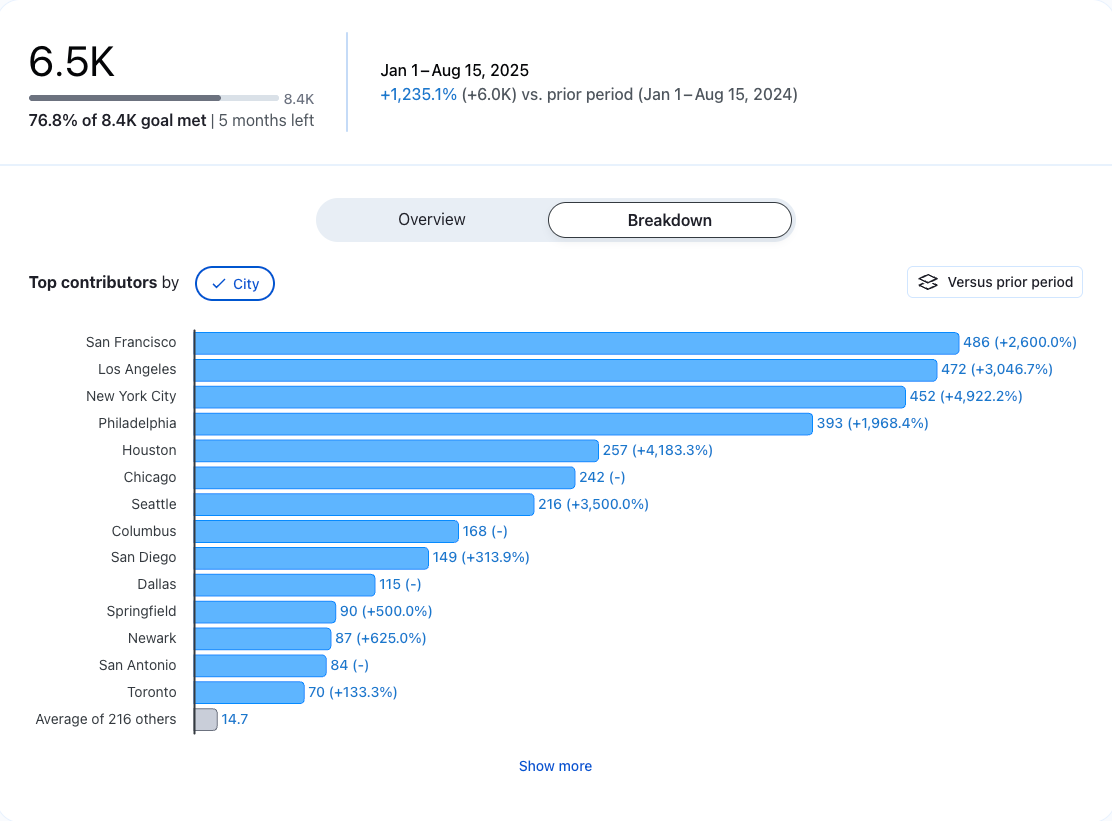
Tableau Pulse: See More Data on Breakdown Charts
Gain a more complete picture of the drivers behind a metric or goal with the “Show More” button on breakdown charts. See beyond the top 7 contributors to the insight to dig deeper and see the more minor contributors easily.
This feature addresses or partially addresses the following request on the Salesforce IdeaExchange: Reload Current Tab.