
Tableau-Version von September 2025
Updates für das erweiterte Modul „Fragen und Antworten“, korrelierte Kennzahlen und mehr
Unsere neueste Version herunterladen Mehr über unsere vergangenen Versionen erfahren
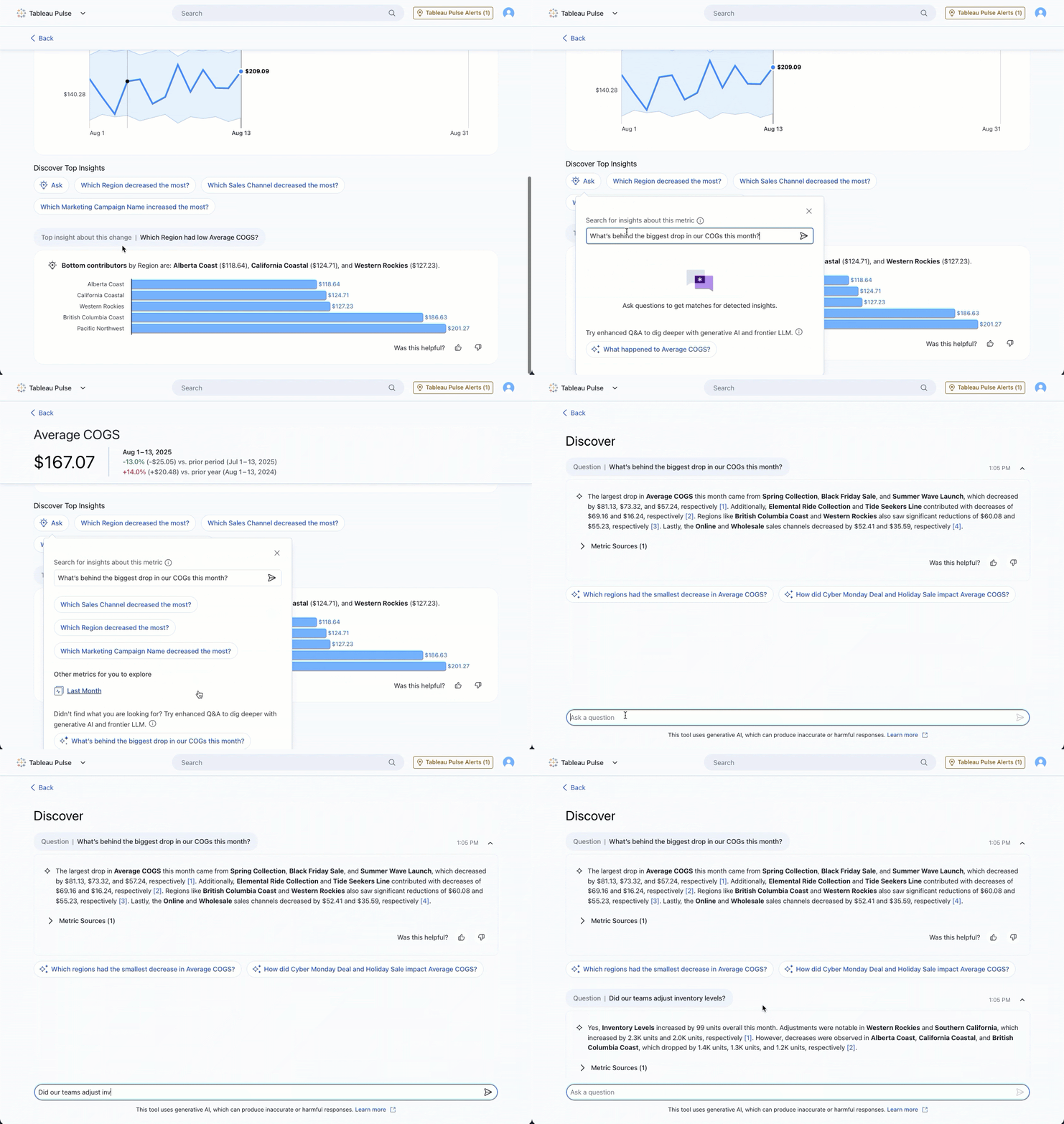
Tableau Pulse: Updates für das erweiterte Modul „Fragen und Antworten“
Dank Updates für das erweiterte Modul „Fragen und Antworten“ können Sie Erkenntnisse nun noch schneller untersuchen. Dialogorientierte KI kann jetzt direkt auf der Startseite oder der Anwendungsseite zur Erkundung gestartet werden. Außerdem sorgen verbesserte Textformatierungsoptionen für klarere, übersichtlichere Einblicke. Allgemein in der Tableau+-Edition von Tableau Cloud verfügbar.
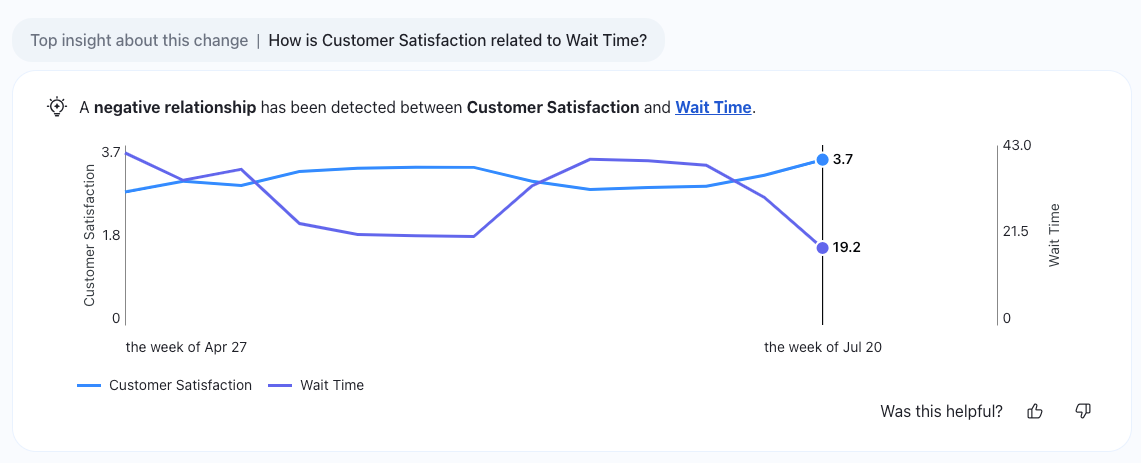
Tableau Pulse: Korrelierte Metriken
In Tableau Pulse gibt es einen neuen Typ von Einblick: Korrelierte Metriken helfen Ihnen dabei, wichtige Datenkorrelationen und damit relevante Beziehungen zwischen Metriken zu erkennen. Allgemein in der Tableau+-Edition von Tableau Cloud verfügbar.
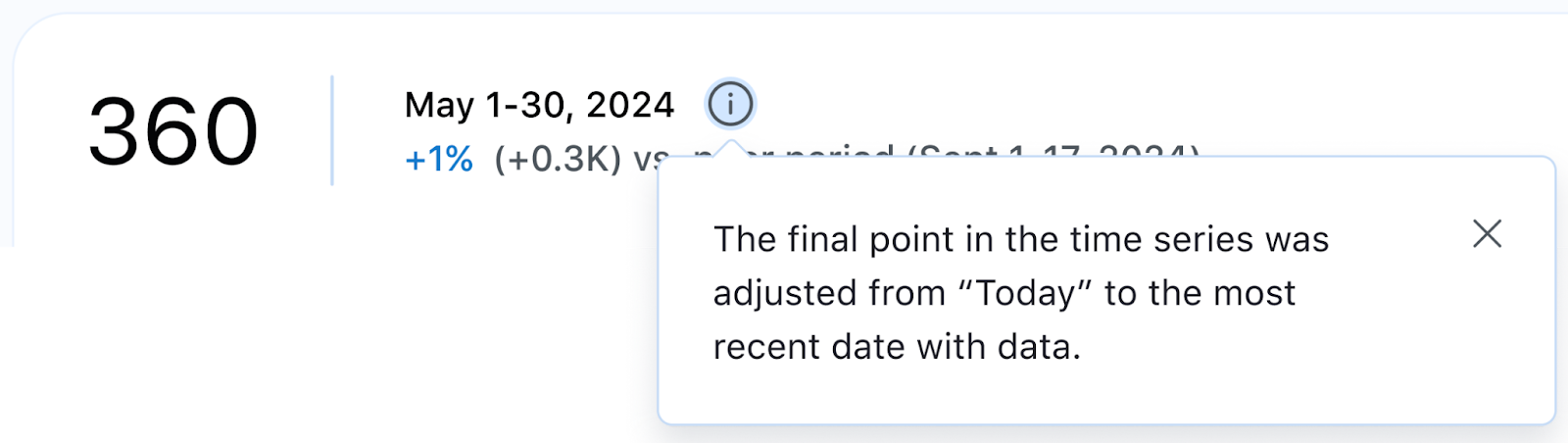
Tableau Pulse: Neue Datumsfunktionen
Mithilfe neuer Datumsfunktionen können Sie Ihre Performance im Zeitverlauf besser nachvollziehen. Zur Wahl stehen u. a. rollierende Zeitbereiche wie die letzten 7 oder 90 Tage. Des Weiteren können Sie Zeitreihen als dynamisch festlegen, sodass sie jeweils die neuesten verfügbaren Daten anzeigen. So sind Sie immer im Bild, auch wenn die Daten von heute noch nicht eingespeist wurden. Allgemein in allen Tableau Cloud-Editionen verfügbar.
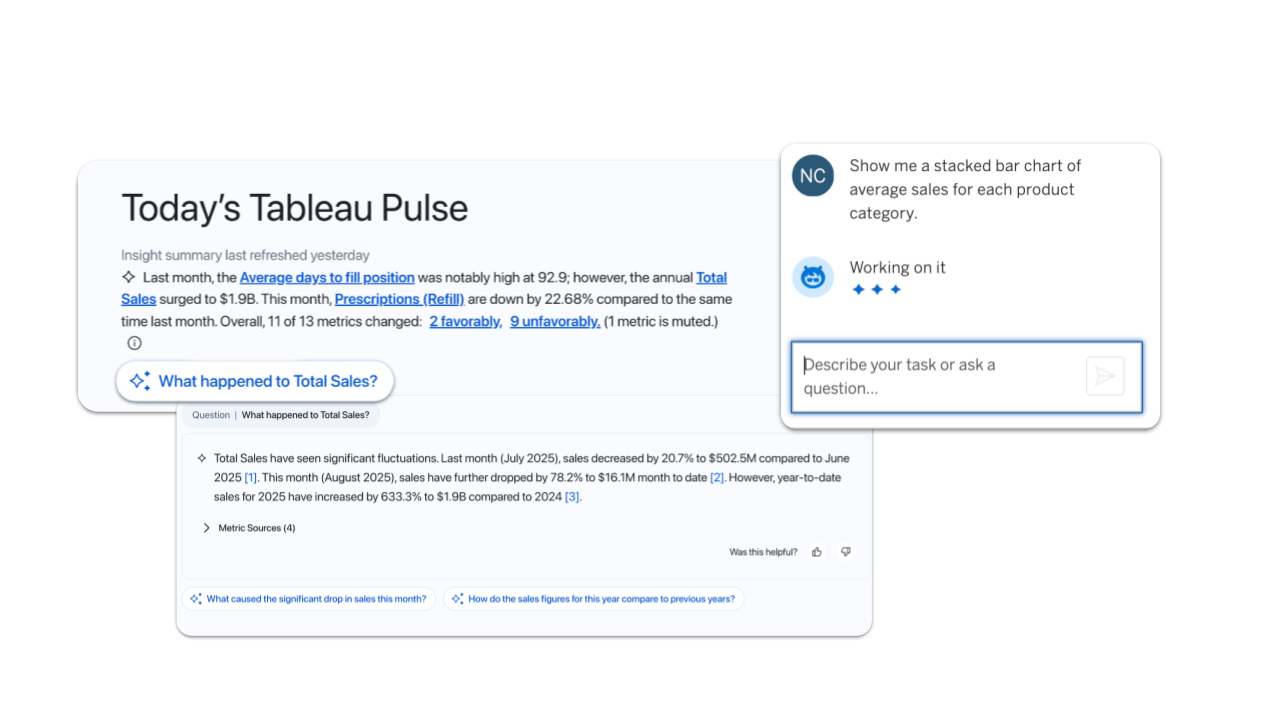
Erkennung der Region in Tableau Pulse und Tableau Agent
KI-Funktionen in Tableau sind ab sofort noch schneller und sicherer. Pulse und Agent stellen jetzt automatisch eine Verbindung zu einem LLM-Anbieter in Ihrer Nähe her, je nachdem, in welcher Data Cloud-Region Sie sich befinden. Dies verbessert die Leistung und stellt sicher, dass Ihre Daten in der Region verbleiben. Allgemein in allen Tableau Cloud-Editionen verfügbar.
Hinweis: Derzeit auf ein einziges LLM begrenzt

Erkunden Sie die Vorteile der Tableau-Versionen
Informieren Sie sich bei Tableau-Produktmanagern über die neuen Features in unserer DataFam-Benutzergruppe zum Erkunden.
Jetzt beitreten
Alle Features
September

Ensure data residency and reliable availability and speed in Switzerland, India, and South Korea. Cloud Admins can now create sites in Switzerland and India. Availability in South Korea is planned by the end of September.

Tableau Mobile: Snowflake Authentication
Get faster access to insights on the go. Seamlessly authenticate Snowflake in Tableau Mobile for a streamlined sign-in process.
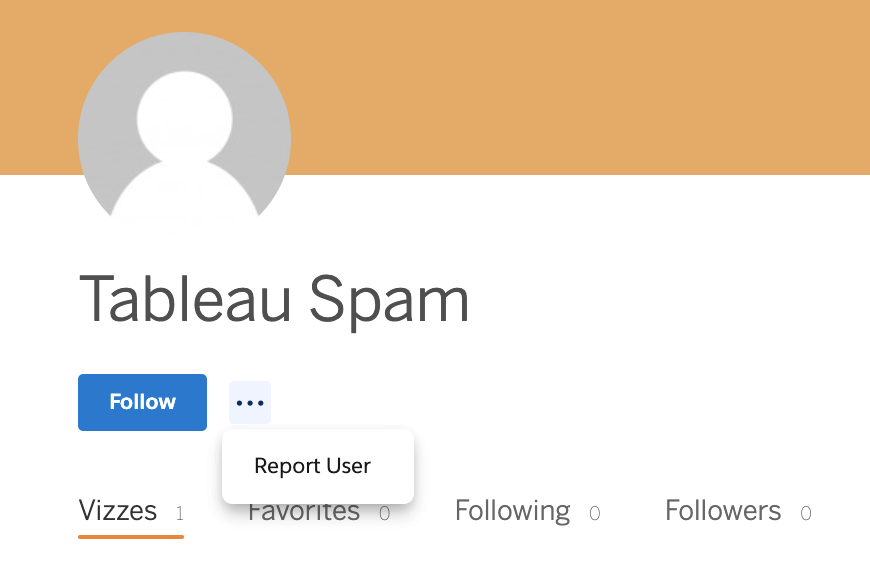
Tableau Public: Spam Moderation
Help us keep Tableau Public a safe and trusted space by reporting suspicious profiles and flagging spam. Must be logged in to report.
This feature addresses or partially addresses the following request on the Salesforce IdeaExchange: Report suspicious profiles. It also addresses [1].

Tableau Pulse and Tableau Agent are now Geo-Aware
Experience faster, more secure AI in Tableau. Now, Pulse and Agent automatically connect to the nearest LLM provider based on your Data Cloud region. This boosts performance and keeps your data in-region.
Note: Currently limited to one LLM
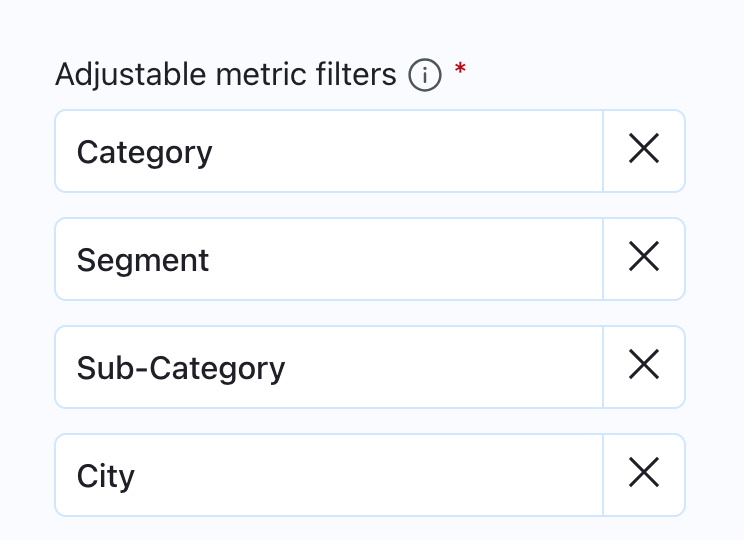
Tableau Pulse: Breakdown Chart Filtering Enhancements
Get a more consistent experience on metric detail breakdown charts with static ordering of dimension pills. Order is now based on the adjustable metric filters set on the metric definition instead of changing based on data conditions to offer a more predictable user experience.
Tableau Pulse: Correlated Metrics Insights
Get even deeper insights in Tableau Pulse with a new insight type. Correlated Metrics helps you find significant relationships between metrics by identifying key correlations in your data.
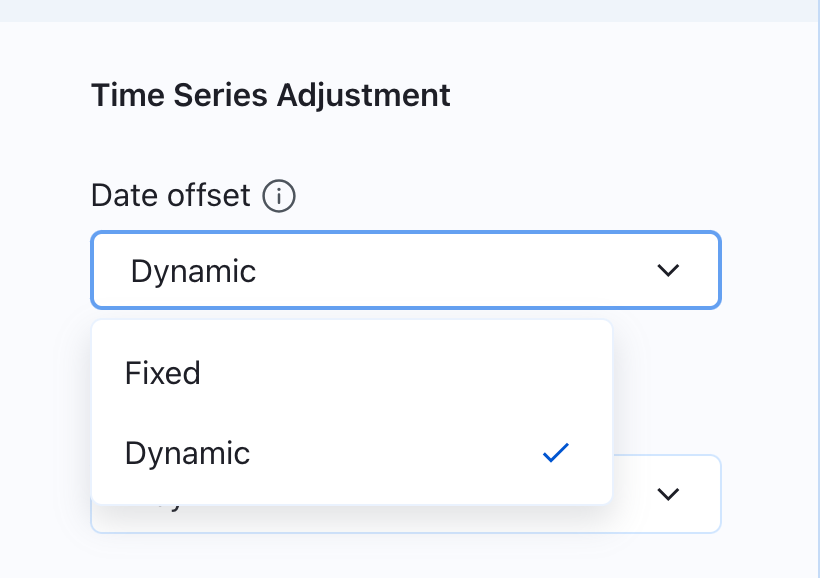
Tableau Pulse: Dynamic Date Offset
Get the most accurate view of your data over time. Set your time series to reflect the most recent data available to ensure a complete picture even when today's data hasn't been populated yet.
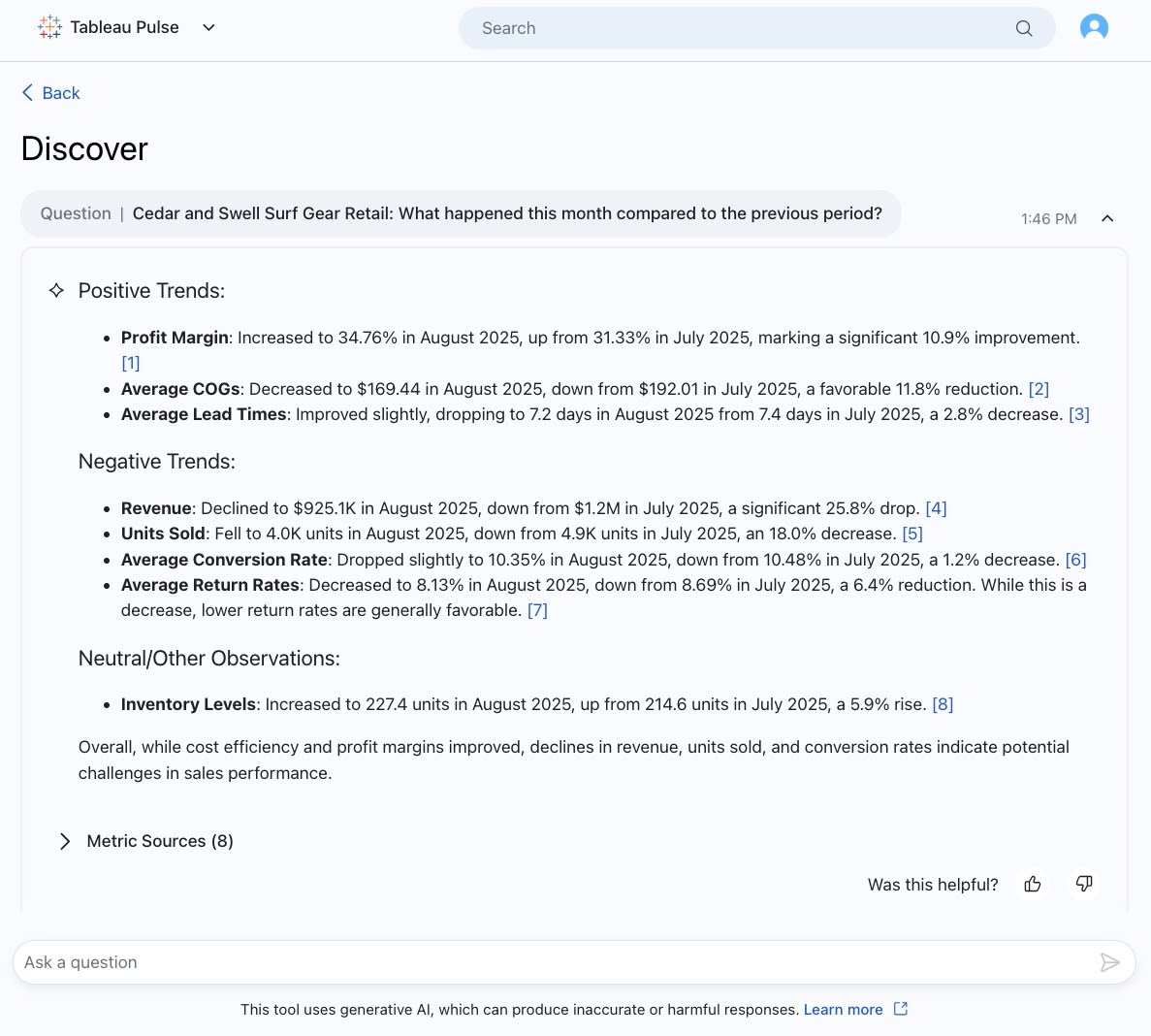
Tableau Pulse: Improved Output Text in Enhanaced Q&A
Get clearer insights in Enhanced Q&A with improved text formatting that makes outputs easily readable. Bolded text brings your attention to the most important info and bulleted, organized text makes info more digestible.
Note: Enhanced Q&A is available in Tableau+.
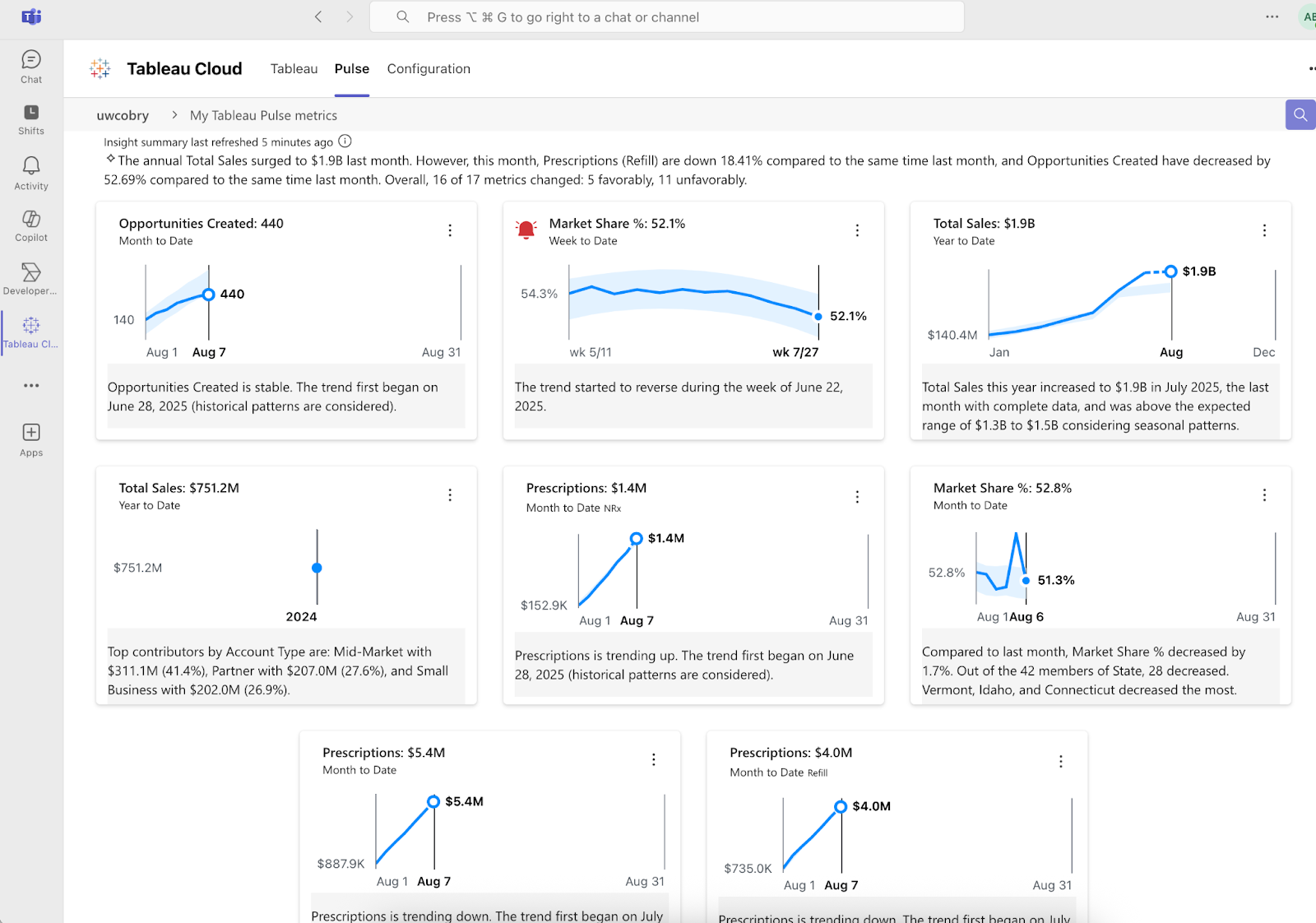
Tableau Pulse: Improvements to Teams Integration
Get more insights delivered into your Microsoft Teams workflow with deeper integrations that bring more of the Pulse experience to Teams. Get your Insight Summary, localized insights, and alerts right in your flow of work.
Tableau Pulse: New Enhanced Q&A Entry Points
Launch conversational AI from more parts of the Pulse experience and dig into metrics with Enhanced Q&A from the homepage and insight exploration page.
Note: Enhanced Q&A is available in Tableau+.

Tableau Pulse: Recommended Metrics on Mobile App
Discover metrics that matter to you with new recommended metrics on the Tableau Mobile app. You no longer need to leave the mobile app and search manually for metrics. Simply follow recommended metrics and instantly start receiving insights on the go.
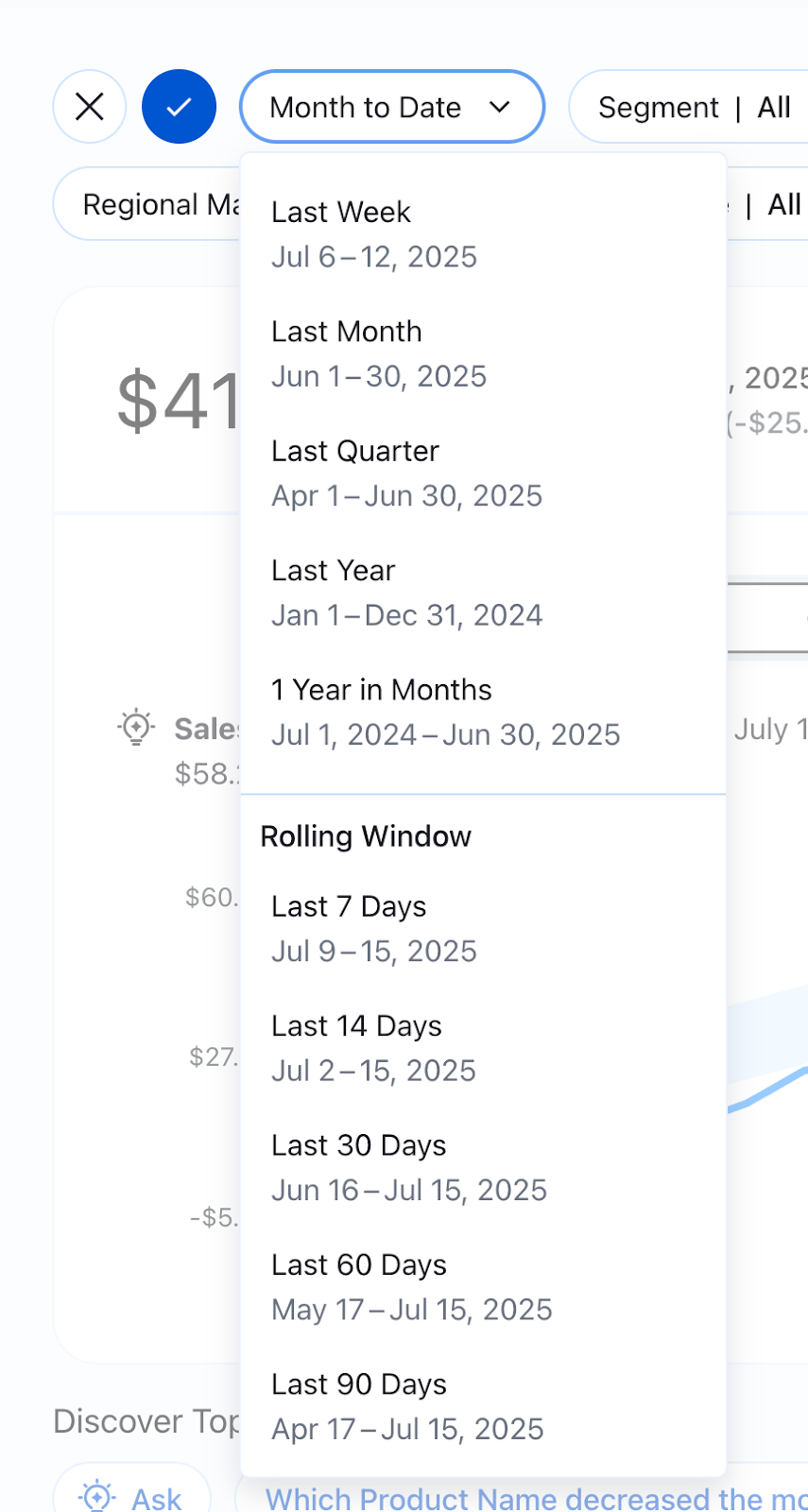
Tableau Pulse: Rolling Time Ranges
Examine the performance of your key metrics with a wider selection of time ranges to get a more precise understanding. Broader time ranges now include rolling time ranges like the last 7 days or last 90 days and more
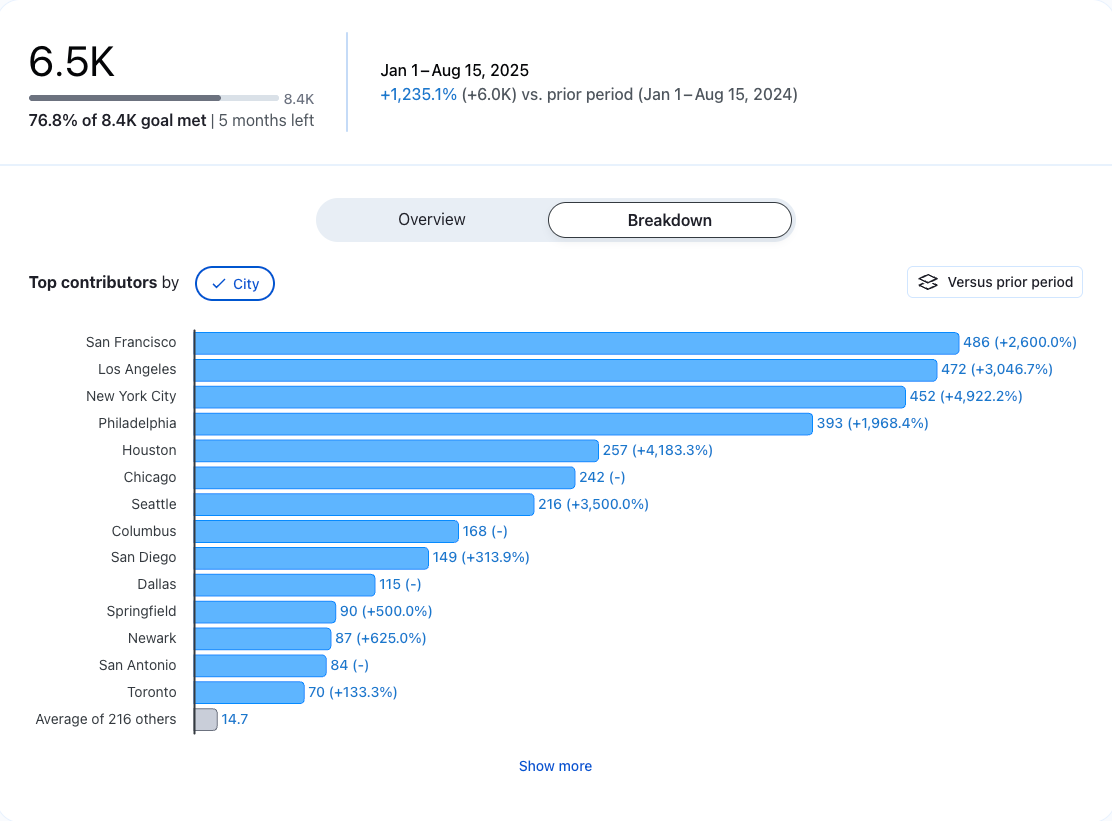
Tableau Pulse: See More Data on Breakdown Charts
Gain a more complete picture of the drivers behind a metric or goal with the “Show More” button on breakdown charts. See beyond the top 7 contributors to the insight to dig deeper and see the more minor contributors easily.
This feature addresses or partially addresses the following request on the Salesforce IdeaExchange: Reload Current Tab.