Get Tableau Desktop Free Edition

Tableau Desktop Free Edition gives you the ability to:

Transform data into trusted, interactive insights


Connect directly to your existing data wherever it lives


Create unlimited visualizations on your own machine


Get it for free: No trial, expiration, or credit card required

Tableau product screenshots

Tableau Desktop runs on Windows and Mac PCs.

Provide your email below and we'll send you a download link. Just click it the next time you’re at a (larger) computer.

Tableau Desktop runs on Windows and Mac PCs.

Click the button below and we'll send you a download link. Just click it the next time you’re at a (larger) computer.

Student or teacher? Get Tableau for free.
Learn more with Tableau Academic Programs

Tableau product screenshots

Don’t leave just yet! You only have 3 more steps to go.

Activating Tableau Desktop Free Edition will take about 5 minutes


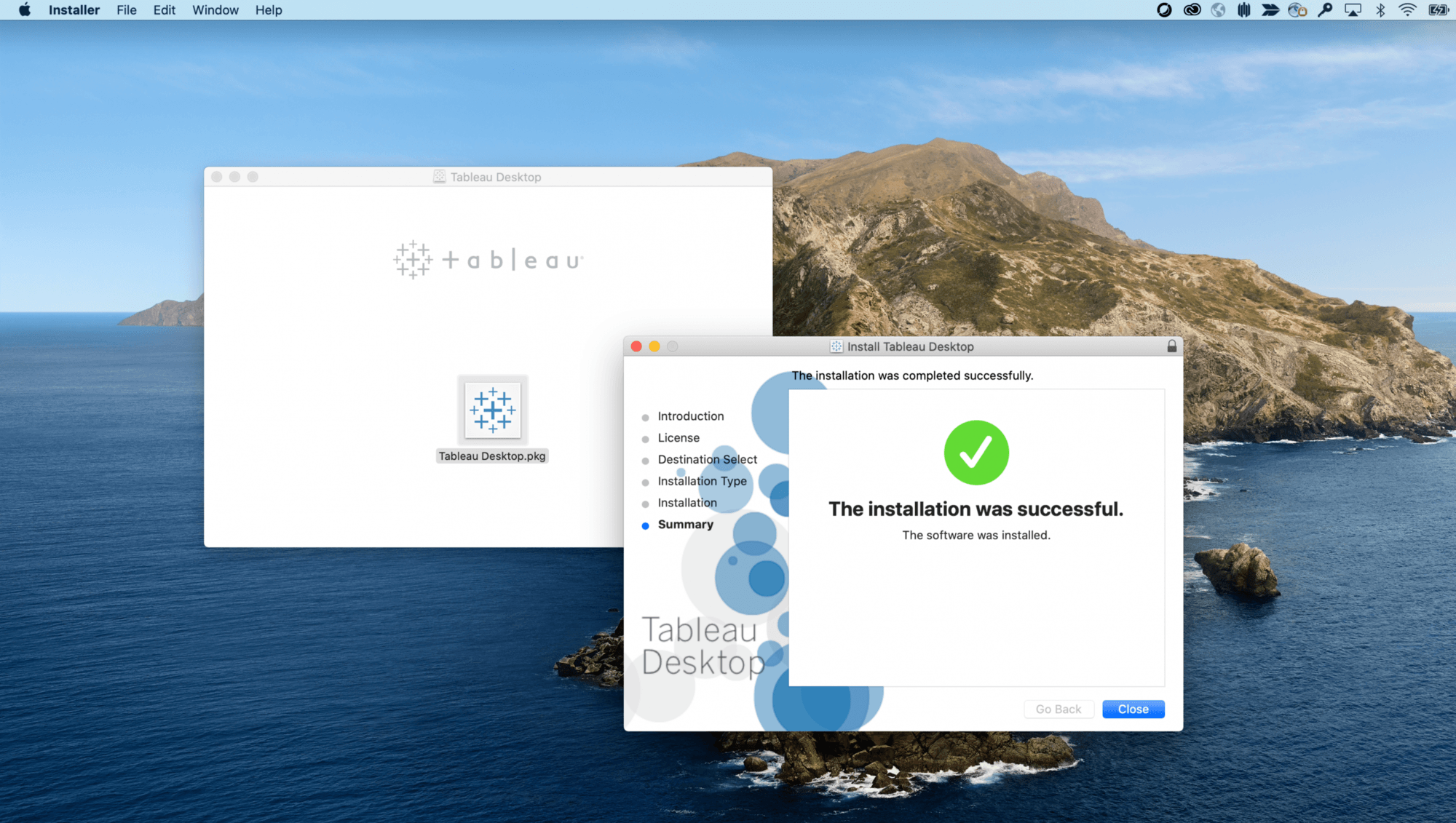
1. Download

Click to open the downloaded file

1:15 min

Click to Download Step Image

Once the download completes, click to open the download. Depending on your browser, the downloaded file location may differ.

2. Install

Follow prompts to install Tableau

2:05 min

Install Step Image

Click "Continue" and proceed the through the 5 install prompts as you are guided through the installer until the installation is complete.

3. Register

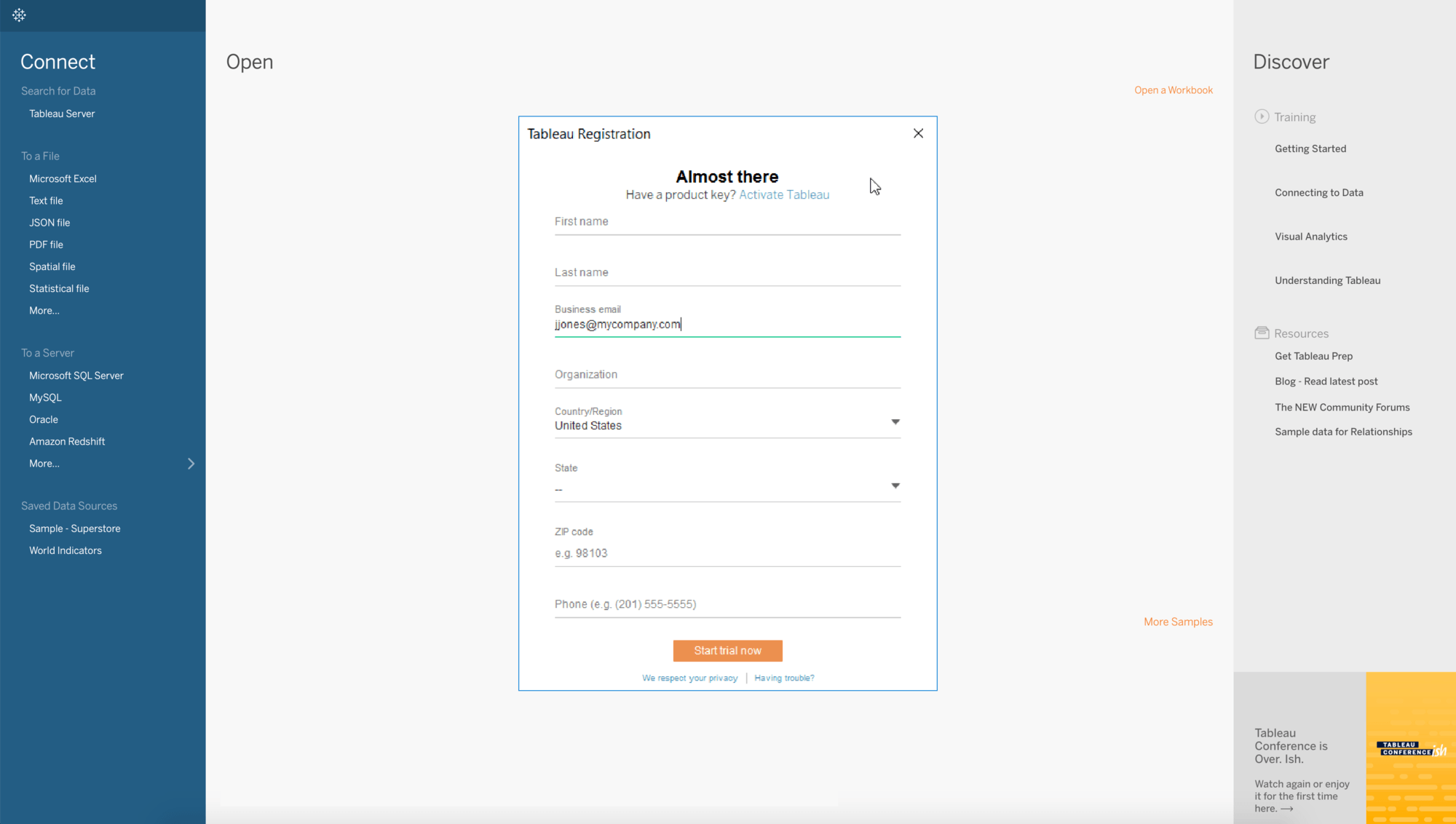
Open Tableau, complete registration form

2:30 min

Trial Registration Step Image

Once installation is complete, click to open Tableau Desktop. Fill out the registration form and click submit to activate Tableau Desktop Free Edition.


Search the community and knowledge base


コミュニティに参加

コミュニティフォーラムで他の Tableau ユーザーとつながりましょう。

詳しく読む

ユーザーグループに参加する

お住まいの地域の Tableau ユーザーグループに参加しましょう。Tableau ユーザーグループは、お客様が運営するお客様のためのグループです。

詳しく読む

カスタマーストーリーや事例を読む

お客様の業界で Tableau がどのように活用されているかをご覧ください。

詳しく読む