Introducing Tableau Mobile for the BlackBerry Dynamics platform (iOS)


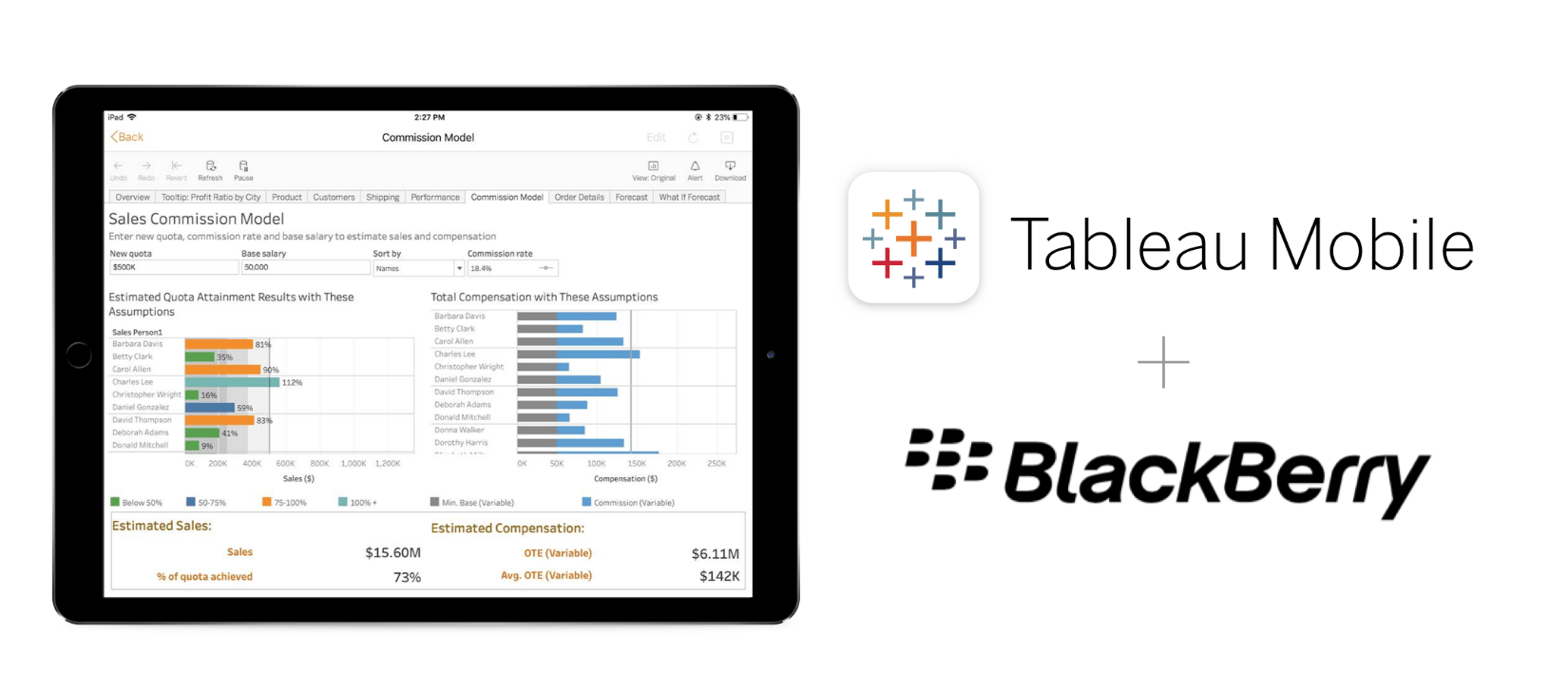
Tableau Mobile is the fastest, most delightful way to stay on top of your data on your tablet or phone. We want to make it easy for your entire organization to securely get access to data while on the go. Today, we are pleased to announce the support for Tableau Mobile to be managed on the BlackBerry Dynamics platform—introducing the Tableau Mobile for BlackBerry app (on iOS only).
Tableau Mobile for BlackBerry is a new certified app available on the BlackBerry Marketplace that provides a quick and secure way to view, analyze, and leverage the data that’s in your organization. Using Tableau Mobile for BlackBerry you can unleash the power of your data to help boost efficiencies, make smarter decisions, improve product and service delivery, and ultimately grow your business.
BlackBerry Dynamics delivers a foundation for secure enterprise mobility by offering an advanced development platform and container for mobile apps. BlackBerry Dynamics is designed to eliminate the risk of data leakage by delivering proven security at the app level. It is also flexible enough to support a vast and ever-changing set of workflows and business processes.
Here are some of the highlights the BlackBerry Dynamics platform provides for apps like Tableau Mobile, which are certified by BlackBerry after passing stringent security checks:
- Application configuration and application specific policies: Protect corporate applications from leaking enterprise data outside of IT control, with application policies and app-based security controls.
- Secure Storage and communication: Secure enterprise data in use, at rest and in transit between backend servers and apps.
- Secure inter-app communication: Maintain the security of documents and data shared between apps via encrypted app-to-app tunneling technology.
- Security and compliance policies: Preserve end-user privacy without need for intrusive geo-location or whole device wipe techniques.
To get started with using the Tableau Mobile for BlackBerry app in your organization, perform the following actions as outlined in this guide for Managing BlackBerry Dynamics apps.
For more details, check out this BlackBerry Dynamics datasheet. BlackBerry Unified Endpoint Management (UEM) helps you manage devices for your organization. See the Configuration Guide that provides instructions for configuring BlackBerry UEM to meet your organization's needs, and the Administration Guide describes how to administer BlackBerry UEM—from creating administrators to adding users and devices to maintaining and monitoring BlackBerry UEM.
Keep your organization’s data safe when users access it on the go
We know that security is paramount and has increasingly become the foundation of an organization’s success with any mobile deployment. With company-issued phones and tablets, it is easier to ensure that devices meet your security standards. But in the Bring-Your-Own-Device (BYOD) scenario, it becomes more challenging. Employees use their personal devices in different ways—installing a myriad of apps, travelling across international borders, and connecting to various, often unsecured, public Wi-Fi networks. How do you protect corporate data on employees’ devices?
It’s critical that your organization's data remain secure—both in transit and at rest. You can start by giving them guidelines to secure the whole device with a strong password. Additionally, organizations can use various strategies for distributing mobile apps to their users.
Mobile Device Management (MDM) platforms, also commonly known as Enterprise Mobility-Management (EMM) platforms, are used by IT departments to govern the use of mobile devices that need access to corporate resources. MDMs help from distributing applications, data, and configuration settings for all types of mobile devices, as well as defining enterprise-wide rules for security policies, device encryption, and more. Previously, Tableau Mobile has been available on the MDM platforms that support the AppConfig approach, such as MobileIron and VMware AirWatch, which let you customize the Tableau experience including sign-in, configure app policies, and provide additional security and governance controls.
For other organizations that haven’t invested in MDM, users can simply download the Tableau Mobile app from public app stores, including iTunes and Google Play, and then connect directly to the service. Tableau supports both of these enterprise deployment strategies.
While the AppConfig approach works well for many scenarios, some of our customers deploy their mobile solutions using a managed-app (versus device) approach, usually referred to as Mobile Application Management (MAM). With today’s release of the Tableau Mobile app for BlackBerry app, we are empowering organizations with the perfect way to visualize, analyze, and leverage data, and also providing the opportunity to optimize the organization’s growth potential while keeping the enterprise’s devices and data secure at all times.
We encourage IT administrators to work with your BlackBerry team to download the Tableau Mobile for BlackBerry app for iOS and add it to your organization’s internal app store today! Next, we will be working on the Android version of this app.
To learn more about how to plan your Tableau Mobile deployment, download our whitepaper.
Zugehörige Storys
How to Improve Business Productivity with Tableau Mobile
 31 August, 2022
Introducing improved online/offline flows in Tableau Mobile
 17 November, 2020
Metrics, headlines for your data
 28 Mai, 2020
Learn about Metrics for Tableau—Optimized for mobile, track all your KPIs from various dashboards at a glance, all in one place—anytime, anywhere.