
Tableau Desktop | Free Trial Starter Kit
Transform your data in five steps
Follow these five simple steps to transform your data into new insights in minutes with Tableau Desktop—it's that easy!
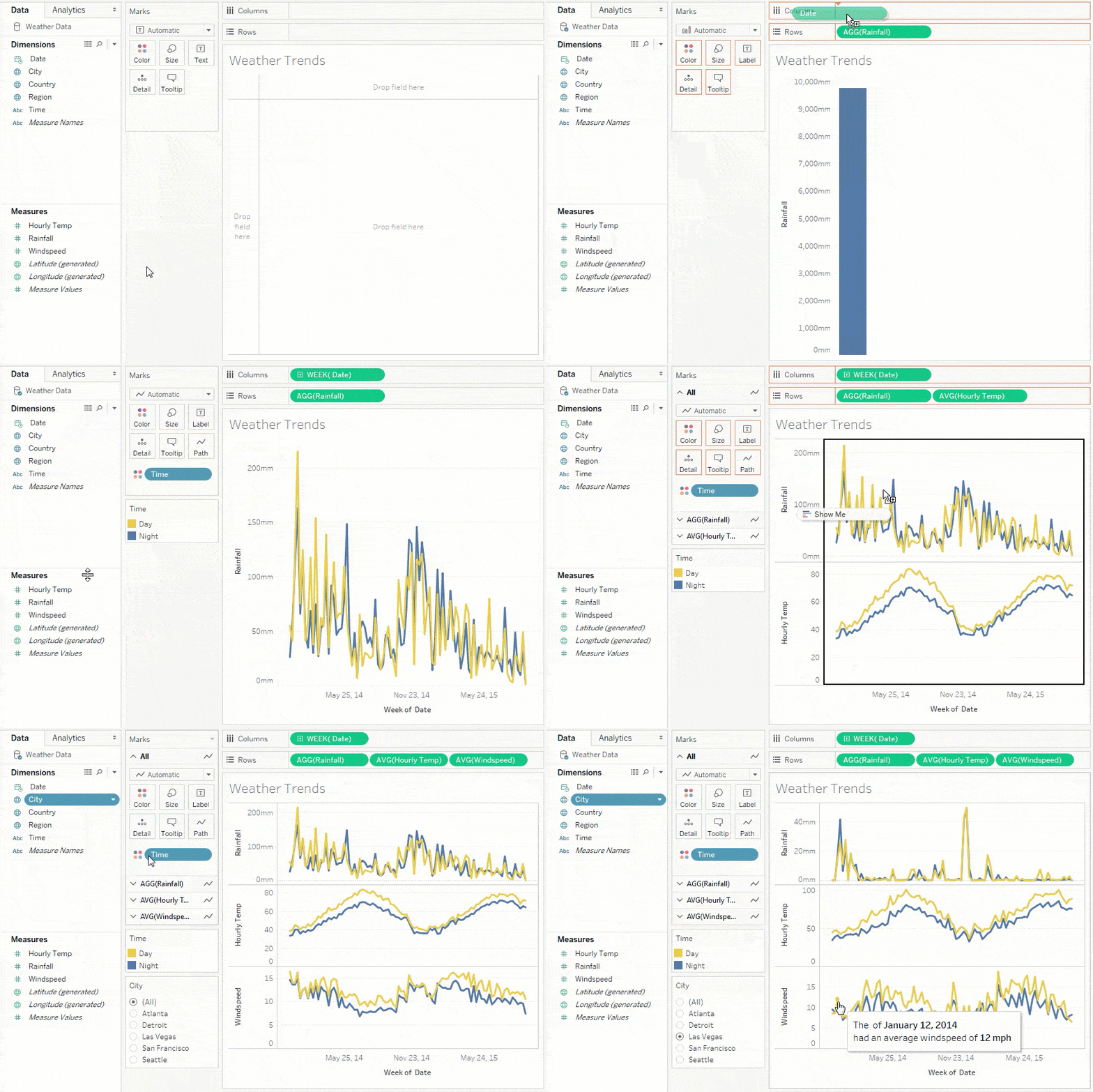
1. Try Tableau for Free
Your first step is to download your free 14-day trial of Tableau Desktop (full version) which will install in just a few minutes.
Try Tableau for Free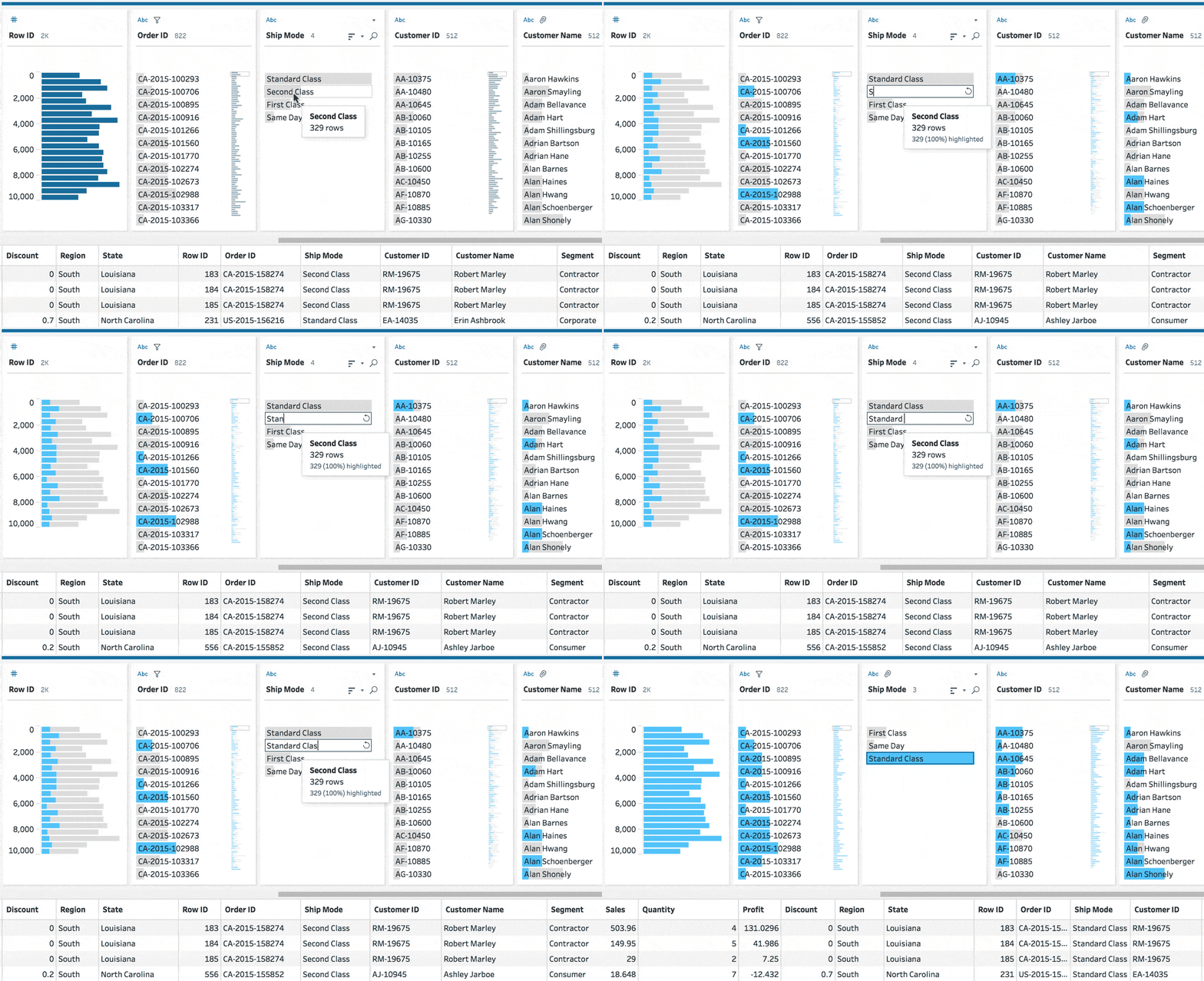
2. Data
If you want clean, ready-to-analyze data, you can download public datasets—but we recommend using your own business data, as Tableau connects to over 100 data sources, including Excel, cloud platforms, databases, and more.
Download public data sets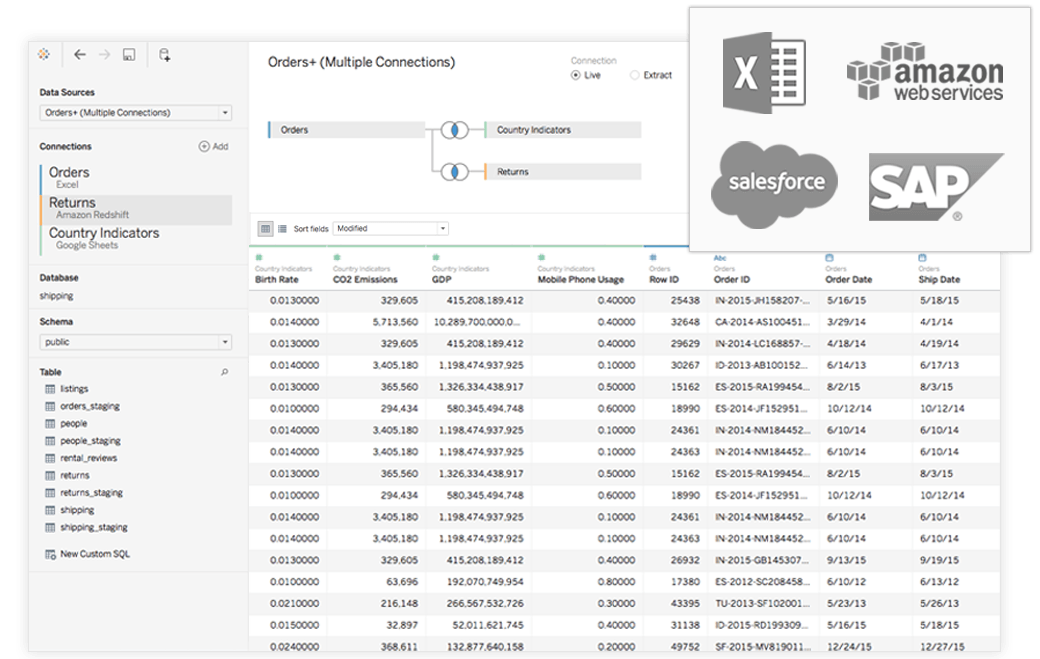
3. Connect Your Data to Tableau
Tableau makes it possible to connect to data stored across many different sources and locations. Ready to bring your data into Tableau? Visit the help docs to guide you through each step of the connection process.
Connect to your data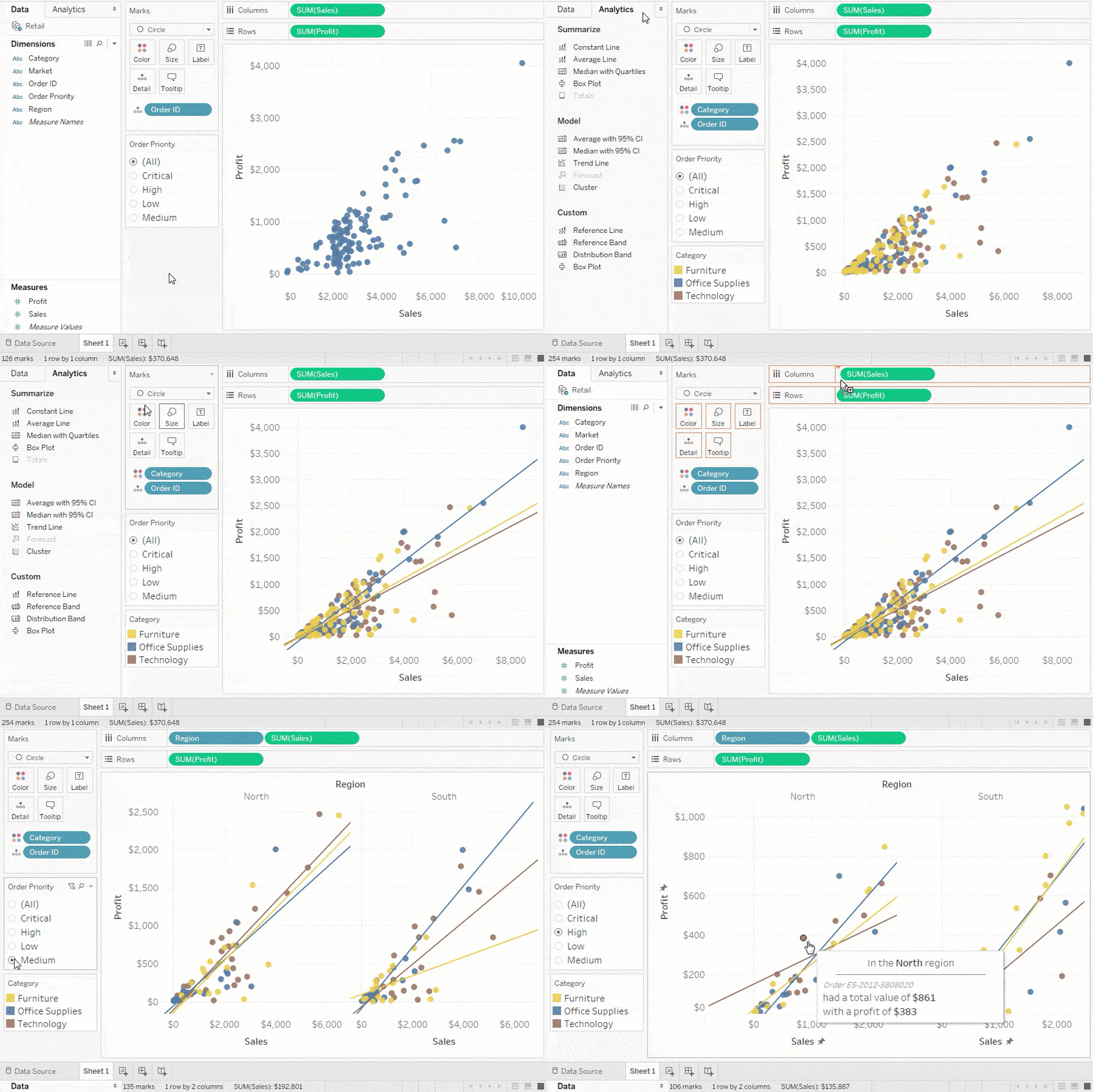
4. Get Started with Visual Analytics
You're now ready to visually analyze your data to unlock new insights. Watch these short training videos to begin your analysis.
Watch free training videos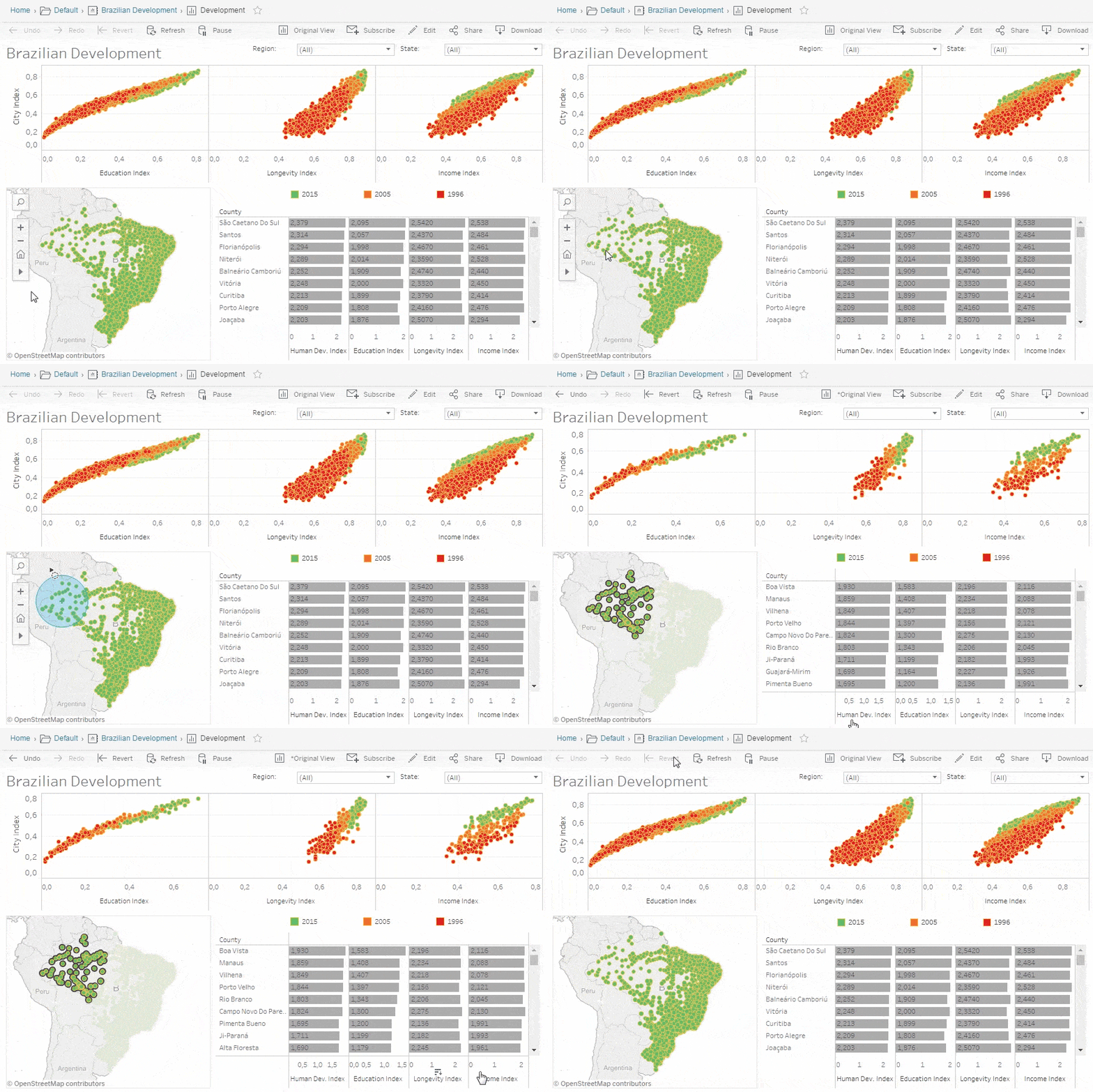
5. Build a Dashboard
Once you’ve uncovered the insights you need, the next step is building a dashboard. Dashboards bring multiple visualizations together, allowing them to interact and tell a cohesive story. Check out the whitepaper for best practices on designing impactful dashboards tailored to your audience.
Learn best practices of building a dashboard