
The Do's and Don'ts of Dashboards
You've got data and you've got insights — now you're ready to share your findings with the world
You’re ready to create a dashboard
Download this free ebook
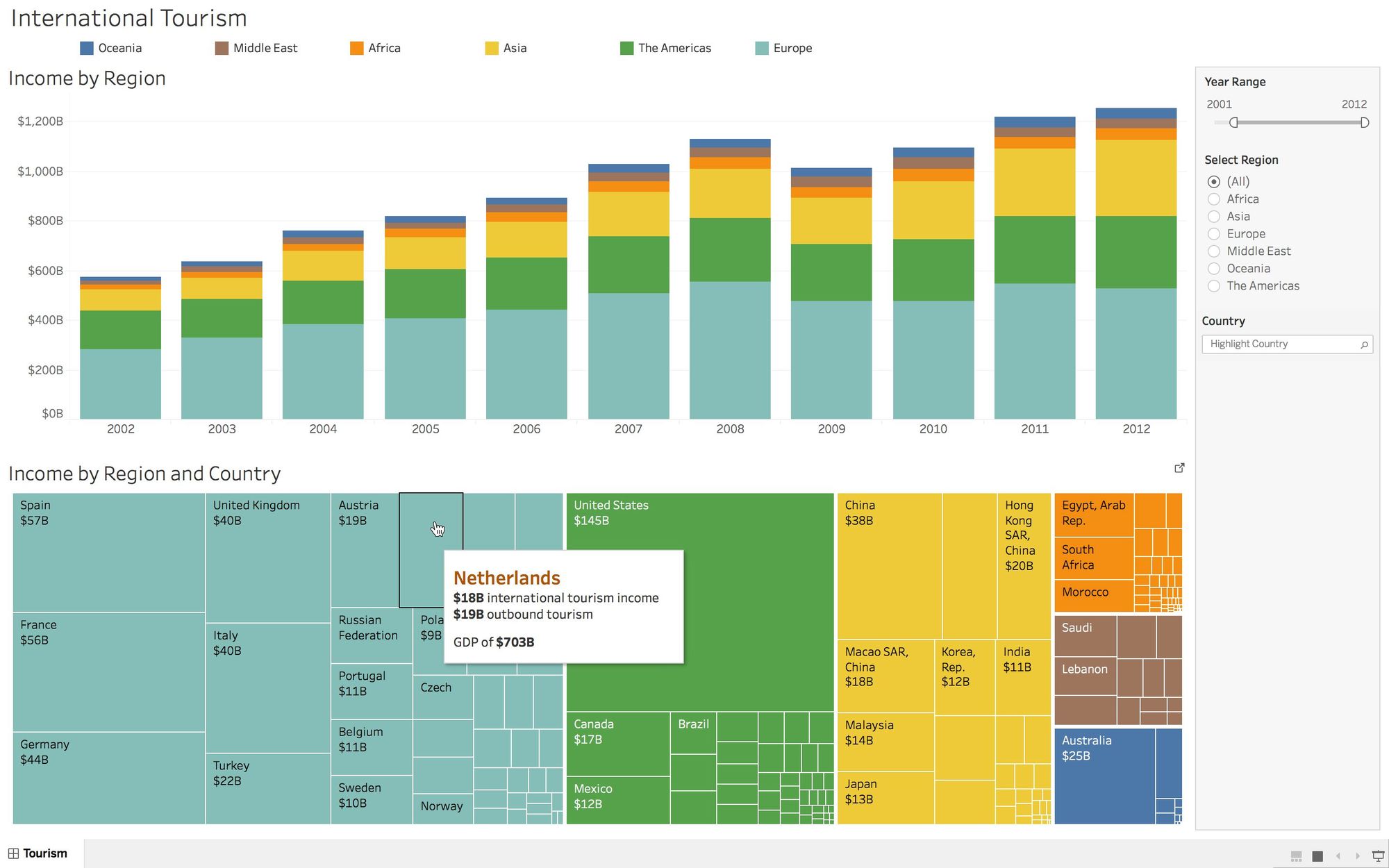
You’ve got data and you’ve got insights—now you’re ready to share your findings with the world. You’re ready to create a dashboard.
A dashboard is your go-to tool for communicating insights about a particular set of data. But, to build a great dashboard—a truly informative and actionable dashboard—it takes more than just putting all of your “aha moments” onto a canvas. There are planning and design elements that must be deliberately accounted for in order to give a dashboard the most bang for your buck.
Read more to learn where to start, what to include, and what to avoid.
Get the whitepaperThe Tableau dashboard has become the tool of choice for them to monitor how well they're doing on that project and that data cleanup initiative, as well as in the future on monitoring how they're doing from a data quality standpoint. So it's been key there.
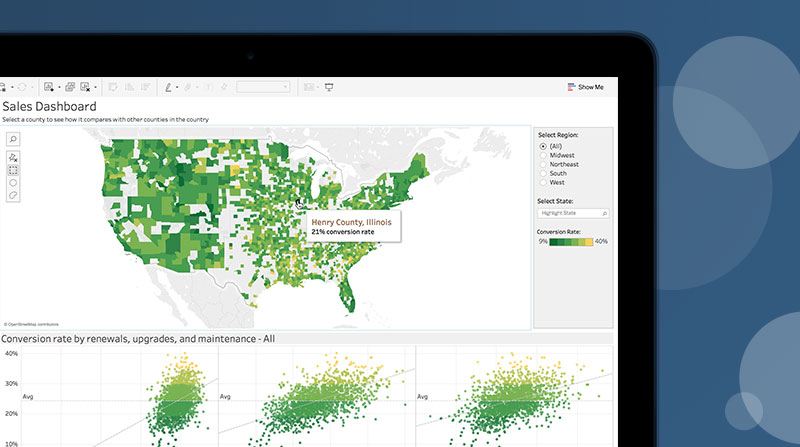
Tableau 是許多組織與使用者信賴的選擇,包含: